
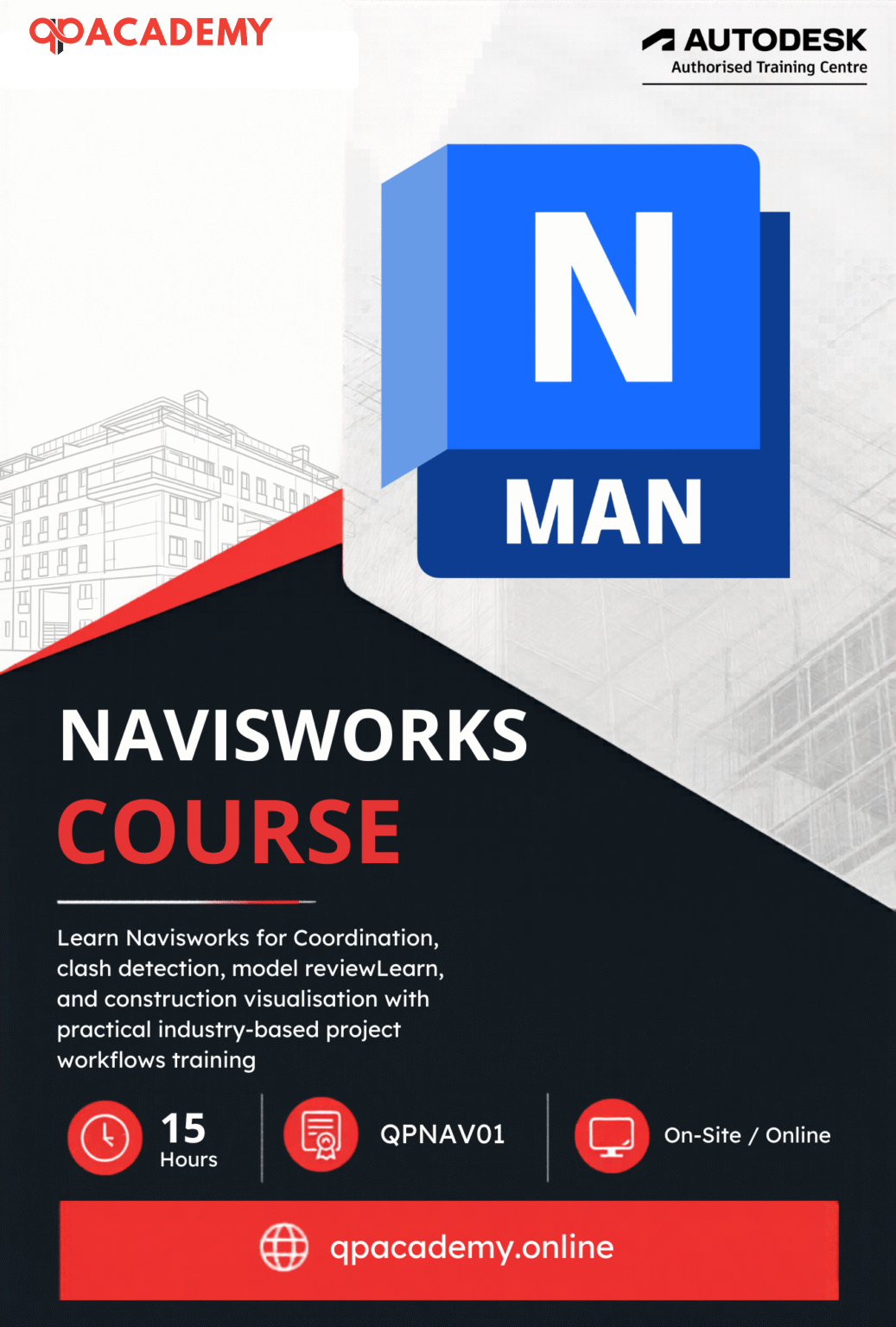

Learn professional BIM coordination and construction planning with the Navisworks Course by QP Academy. This course is designed for architects, engineers, BIM professionals, and construction experts who want to master model coordination clash detection and project simulation using Autodesk Navisworks.
Through this comprehensive online Navisworks training, you will learn how to review and manage complex 3D models, detect and resolve clashes between building components and simulate construction schedules using advanced 4D planning tools.
Our course focuses on real industry workflows used in BIM and construction projects. By the end of the program, you will be able to create coordinated construction-ready BIM models reduce project risks and improve collaboration between architecture structure and MEP teams.
With QP Academy’s practical training industry-recognized certification, and career guidance, you will gain the skills needed for high-demand roles in BIM coordination, project management, and construction technology.

| Step-by-Step Learning | From beginner basics to advanced drafting workflows |
| Real Projects | Work on floor plans, construction documents, and detailed layouts |
| Instructor-Led Expertise | Learn from certified professionals with real-world CAD experience |
| Industry Standard Training | Gain skills that align with global architectural and engineering practices |
| Certification Ready | Prepare for Autodesk certification exams for added credibility |
| Career Advantage | Build a strong portfolio and stand out in job applications |
| Flexible & Accessible | Learn online at your own pace with practical assignments |
After completing the Navisworks Course, you’ll be qualified for roles such as:
- BIM / Navisworks Coordinator
- Construction Project Coordinator
- Clash Detection Specialist
- BIM Simulation & Animator
- Quantification & Takeoff Specialist
- 3D Model Reviewer
- Freelance BIM / Navisworks Consultant
Navisworks expertise prepares you to coordinate multidisciplinary projects, perform clash detection, and simulate construction workflows efficiently. These skills are in high demand across global AEC firms, construction consultancies, and freelance BIM services.
What Will You Learn?
In this course, you will learn Autodesk Navisworks for BIM coordination, including 3D model review, clash detection, 4D construction simulation, quantity takeoffs, and visualization to support efficient planning and construction workflows.
Module 1: 3D Model Review & Navigation
Learn how to work with and review large BIM models effectively.
Topics include:
Opening and federating models from Revit, AutoCAD, and other software
Navigating complex 3D models
Measuring distances and areas
Creating viewpoints and saved views
Adding comments, redlines, and tags
Generating section views for design analysis
Module 2: TimeLiner & Construction Simulation
Understand how construction progresses over time using 4D simulation.
You will learn to:
Create project tasks and schedules
Import schedules from Excel or project management tools
Link schedules with 3D models
Run 4D simulations
Generate construction timelines and Gantt charts
This module helps visualize construction planning and identify scheduling issues before construction begins.
Module 3: Animator & Scripter
Create professional animations and automate workflows.
Topics include:
Creating project animations and walkthroughs
Controlling camera movement and scene transitions
Automating repetitive tasks using scripts
Creating visual presentations for clients
Module 4: Quantification & Takeoff
Learn how to extract quantities directly from BIM models.
You will learn to:
Set up quantification projects
Manage item catalogs and resources
Perform 2D and 3D quantity takeoffs
Track quantity changes between design versions
Export quantity reports for cost estimation
Module 5: Clash Detection
Master one of the most important Navisworks features.
You will learn to:
Run clash detection tests
Identify conflicts between disciplines
Organize and review clash results
Generate clash detection reports
Resolve clashes before construction begins
This helps reduce costly on-site errors and construction delays.
Module 6: Rendering & Visualization
Create high-quality visual outputs for presentations and approvals.
Topics include:
Applying realistic materials
Setting up lighting and environment
Adjusting sun and exposure settings
Creating photorealistic renderings
Producing visuals for client presentations
Module 7: Final Project & Assessment
At the end of the course, you will complete a real project-based assessment.
You will demonstrate skills in:
BIM model review
Clash detection
4D construction simulation
Quantity takeoff
Visualization
Successfully completing the project will earn you the QP Academy Navisworks Certification.
Who Should Enroll?
This course is ideal for both beginners and professionals in the Architecture, Engineering, and Construction (AEC) industry.
Who Should Enroll?
It is perfect for:
BIM Coordinators & BIM Managers
Learn how to coordinate multidisciplinary BIM models and manage clash detection processes.Architects & Engineers
Improve your ability to review complex BIM models and coordinate with construction teams.Project Managers & Construction Professionals
Understand construction sequencing and visualize project timelines using 4D simulations.Revit & CAD Users
Expand your skills from modeling to BIM coordination and project planning.Students & Fresh Graduates
Build industry-ready BIM coordination skills and improve career opportunities.Freelancers & BIM Consultants
Offer advanced Navisworks services such as clash detection, model coordination, and construction simulation to global clients.
What will you achieve?
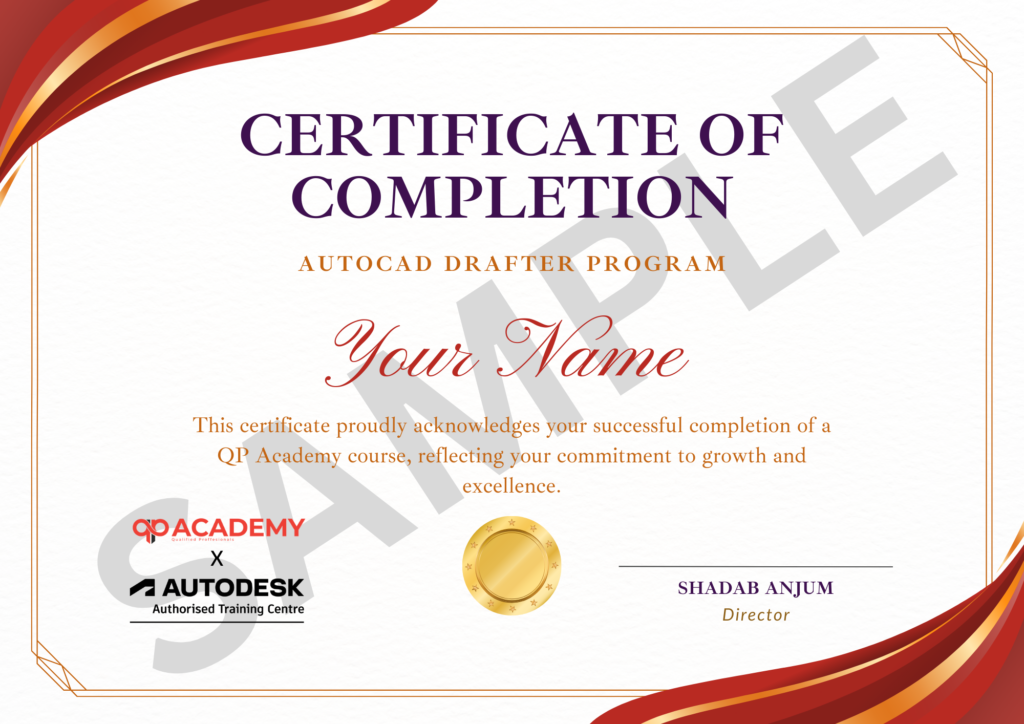
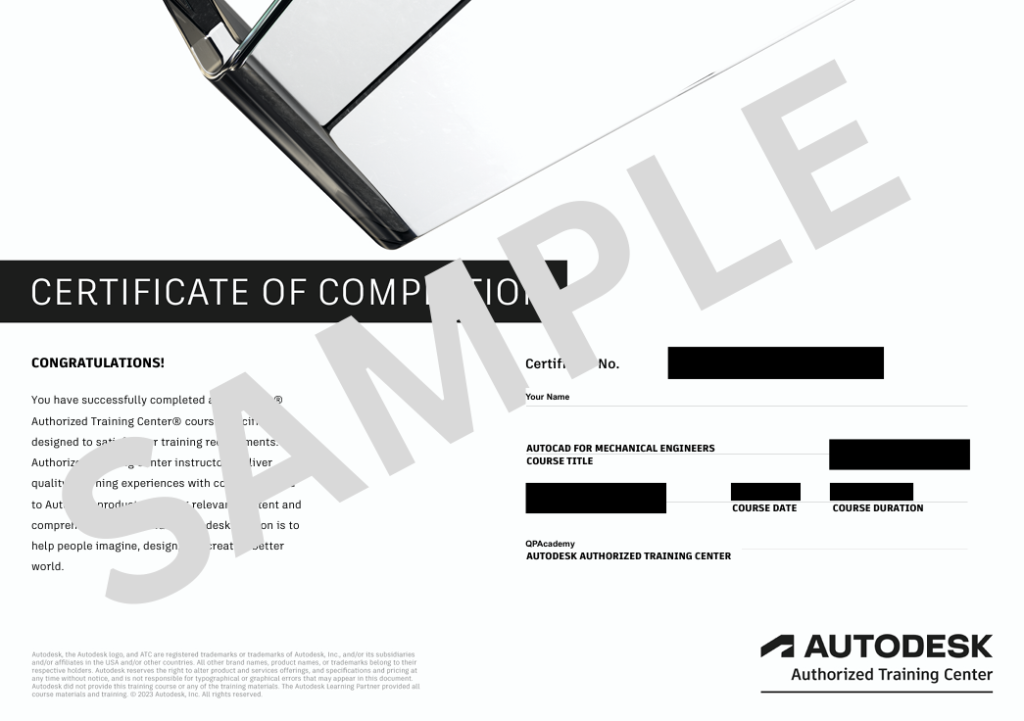
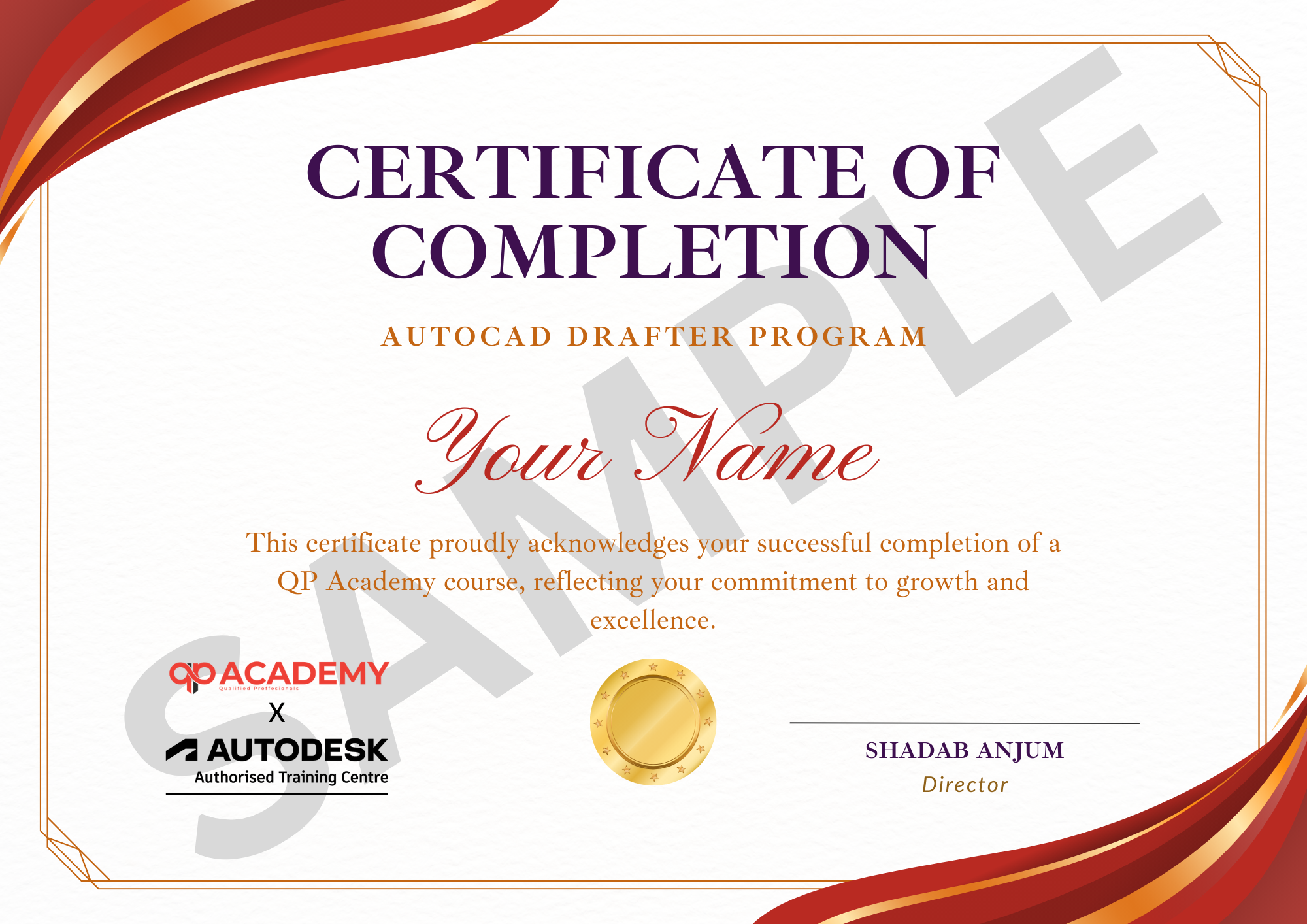
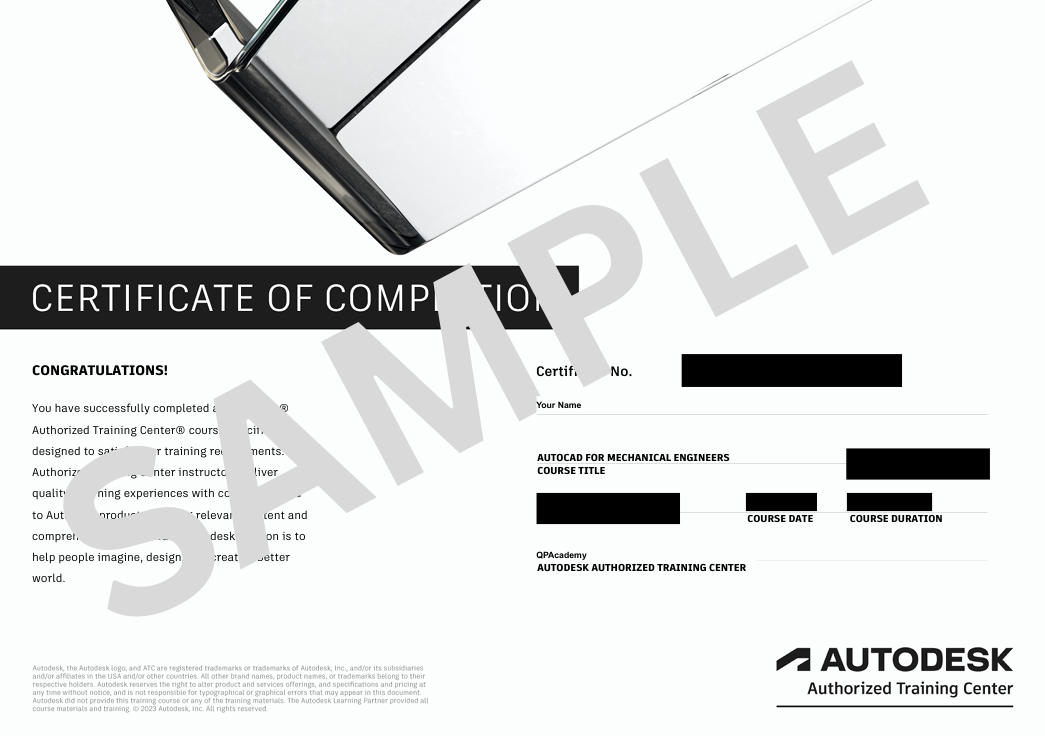
Showcase your achievement with an industry-recognized certificate. A symbol of your dedication and newly acquired skills, it’s proof you’re ready to apply your knowledge in real-world projects and career opportunities.
Certification & Recognition
- Certificate of Completion from QP Academy
- Portfolio-ready drafting projects to showcase skills
- Preparation for Autodesk AutoCAD Certification Exam
Job Support + Email + Discussion Forum
100% Job Support – End-to-end guidance to help you land a job, from interview prep to career advice.
Email Assistance – Quick, personalized help right in your inbox whenever you need clarity.
Discussion Forum – A dedicated space to ask questions, share knowledge, and learn from peers & experts.


We’re an Official Autodesk Training Partner!
We’re proud to join hands with Autodesk as an Authorized Learning Partner. Get ready for certified courses, hands-on training, and resources backed by industry leaders. Whether you're a student, professional, or enthusiast your journey to mastering Autodesk tools starts here.
Frequently Asked
Questions.
What is the Navisworks Course?
The Navisworks Course is designed to help you review, coordinate, and manage BIM models efficiently. In this training, you learn clash detection, model coordination, 4D simulation, and construction planning using real-world BIM workflows.
Is this a Navisworks Course Online?
Yes, this is a fully Navisworks Course Online with live instructor-led sessions, hands-on practice, and real project examples.
Who should join this Navisworks Training?
This Navisworks Training is ideal for architects, civil engineers, BIM modelers, coordinators, construction professionals, and freshers who want to build a career in BIM coordination.
Is this Navisworks course suitable for beginners?
Yes. This Navisworks course for beginners starts from the basics and gradually covers advanced topics like clash detection, coordination, and construction sequencing.
What will I learn in this Navisworks clash detection course?
You will learn how to perform Navisworks clash detection, resolve coordination issues, review multidisciplinary models, and create clash-free, construction-ready BIM models.
Does the course include Navisworks Certification?
Yes, after completing the training, you will receive a recognized Navisworks Certification from QP Academy.
Will I get job support after completing the course?
Yes, this is a Navisworks course with job support, including interview guidance, career support, and help preparing for BIM coordination roles.
Is this Navisworks Training Online useful for BIM professionals?
Absolutely. This Navisworks Training Online is designed for BIM professionals who want to improve coordination, clash management, and project delivery skills.
What software tools are covered in this BIM Navisworks Course?
In this BIM Navisworks Course, you will work with tools like Clash Detective, Time Liner, Animator, Quantification, and rendering features used in real construction projects.
What career opportunities are available after this Navisworks course?
After completing this Navisworks course with certification, you can apply for roles such as BIM Coordinator, Navisworks Model Coordinator, BIM Engineer, and Construction Planning Executive.