
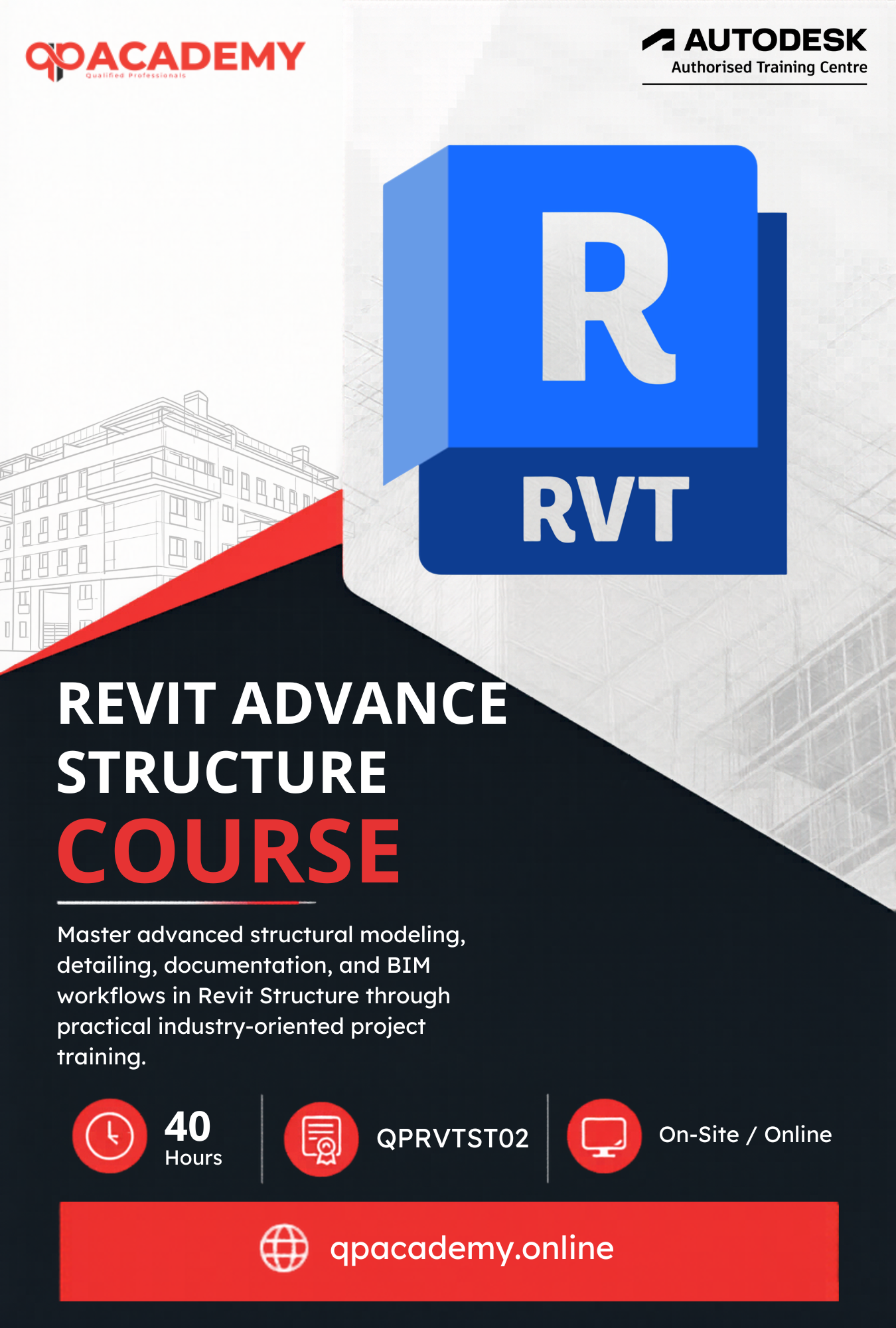

The Revit Advance Structure Course is designed to provide in-depth knowledge of structural BIM using Autodesk Revit. This course focuses on RCC and steel structure modeling, reinforcement detailing and steel connection design for real-world projects.
You will learn to model beams, columns, slabs, foundations, walls, ramps, and staircases with accurate rebar detailing, including area and path reinforcement. The course also covers steel structures, industrial trusses, and connection design for coordinated BIM workflows.
By the end of the Revit Advance Structure Course you will be able to create professional structural models, quantity take-offs, schedules, and construction documentation as per international standards, helping you prepare for structural BIM careers and Autodesk certification.

| Why Choose Our Program? | |
|---|---|
| Step-by-Step Learning | From beginner basics to advanced drafting workflows |
| Real Projects | Work on floor plans, construction documents, and detailed layouts |
| Instructor-Led Expertise | Learn from certified professionals with real-world CAD experience |
| Industry Standard Training | Gain skills that align with global architectural and engineering practices |
| Certification Ready | Prepare for Autodesk certification exams for added credibility |
| Career Advantage | Build a strong portfolio and stand out in job applications |
| Flexible & Accessible | Learn online at your own pace with practical assignments |
After completing the Revit Advanced – Structure Course, you’ll be qualified for roles such as:
- Structural BIM Modeler
- Rebar Detailer / Reinforcement Specialist
- Structural CAD / BIM Technician
- Steel Structure Designer
- Structural Drafting & Documentation Specialist
- Junior Structural Engineer (BIM Support)
- Freelance Structural BIM Professional
With advanced skills in RCC, Steel, and Reinforcement detailing, this course opens doors across the global AEC industry. From working in structural design consultancies and construction firms to offering freelance BIM services, your expertise in structural modeling and detailing will give you a competitive edge worldwide.
What Will You Learn?
Find out what skills you'll gain and who this course is designed for.
Whether you're a student, engineer, or design enthusiast, this section gives you a clear look at what you’ll learn and if this course fits your goals. No jargon, no guesswork just real skills for real careers.
Module 1: Structural Project Setup & Fundamentals
Understand Revit Structure interface, physical vs analytical models, and BIM workflows.
Set up project units, levels, grids, and reinforcing settings for structural design.
Module 2: RCC Structural Modeling
Create and modify structural elements: columns, beams, slabs, walls, and foundations.
Develop framing plans, secondary beams, and shaft/slab openings for real projects.
Module 3: Staircase, Ramp & Roof Structures
Model RCC staircases, ramps, landings, and railings with advanced editing tools.
Create structural roofs including hip, shed, and extruded roofs.
Module 4: Reinforcement & Rebar Detailing
Add rebar to columns, beams, slabs, walls, and footings with precision.
Work with area reinforcement, path reinforcement, fabric reinforcement, and 3D rebar visualization.
Module 5: Steel Structures & Connections
Create industrial steel trusses, frames, and bracing systems.
Design and apply steel connections (beam-to-beam, column-to-beam, gusset plates, moment connections).
Module 6: Analysis & Documentation
Apply loads, load combinations, and boundary conditions to structural models.
Generate schedules (framing, reinforcement, QTO), material take-offs, and construction documents.
Module 7: Families & Advanced Workflows
Create and customize structural families for RCC and steel elements.
Work with family parameters, constraints, and reinforcement settings.
Who Should Enroll?
Discover if this course is the right fit for you. Whether you’re a beginner looking to build strong foundations or a professional aiming to sharpen your expertise, this program is designed to match your goals and career path.
Who Should Enroll?
This course is perfect for:
- Civil Engineering Students: Learn how to model, reinforce, and document RCC and steel structures for academic and professional projects.
- Structural Engineering Students: Gain expertise in beams, columns, slabs, trusses, and reinforcement techniques using Revit’s structural tools.
- Working Professionals (Civil/Structural): Upgrade your BIM skills to handle large-scale construction projects, structural detailing, and coordination workflows.
- Revit Beginners (with Civil/Structural interest): Start from scratch and build confidence in creating structural models with guided lessons and real projects.
- BIM Professionals: Enhance your skills in structural BIM modeling, detailing, and interdisciplinary coordination across Architecture and MEP.
- Freelancers: Offer structural Revit modeling, reinforcement detailing, and BIM documentation services to contractors, consultants, and clients worldwide.
What will you achieve?
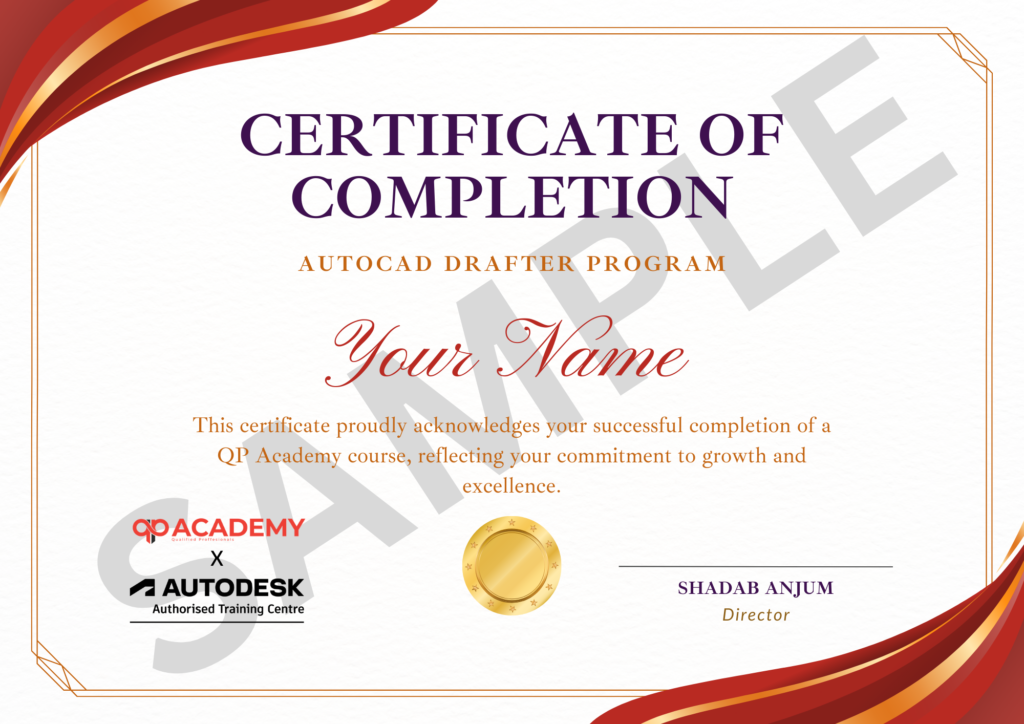
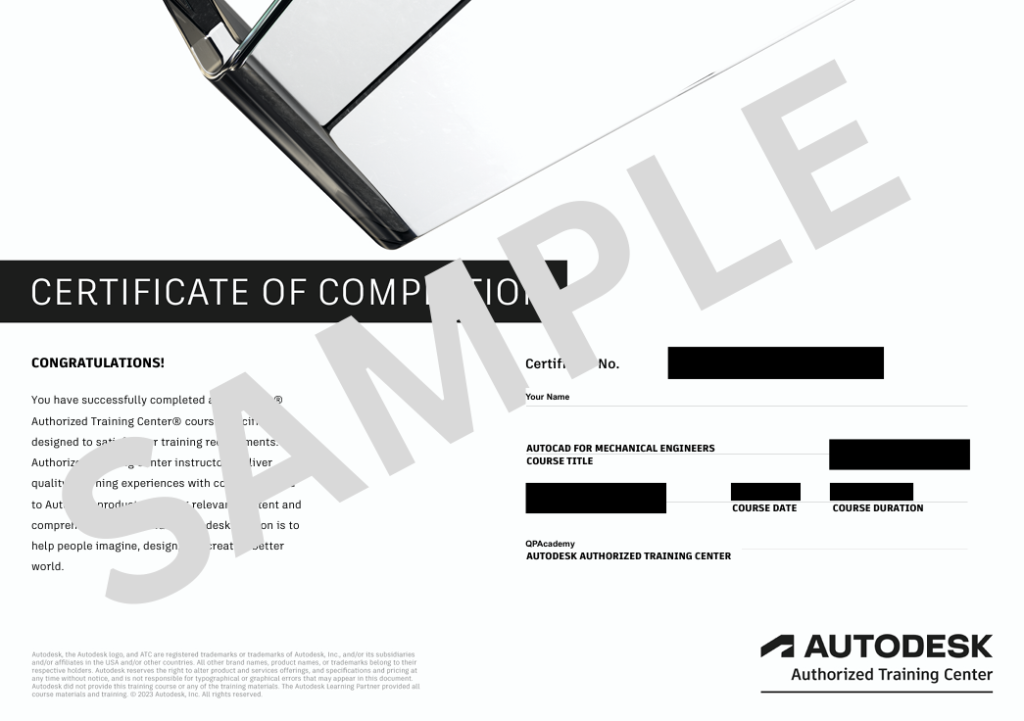
Showcase your achievement with an industry-recognized certificate. A symbol of your dedication and newly acquired skills, it’s proof you’re ready to apply your knowledge in real-world projects and career opportunities.
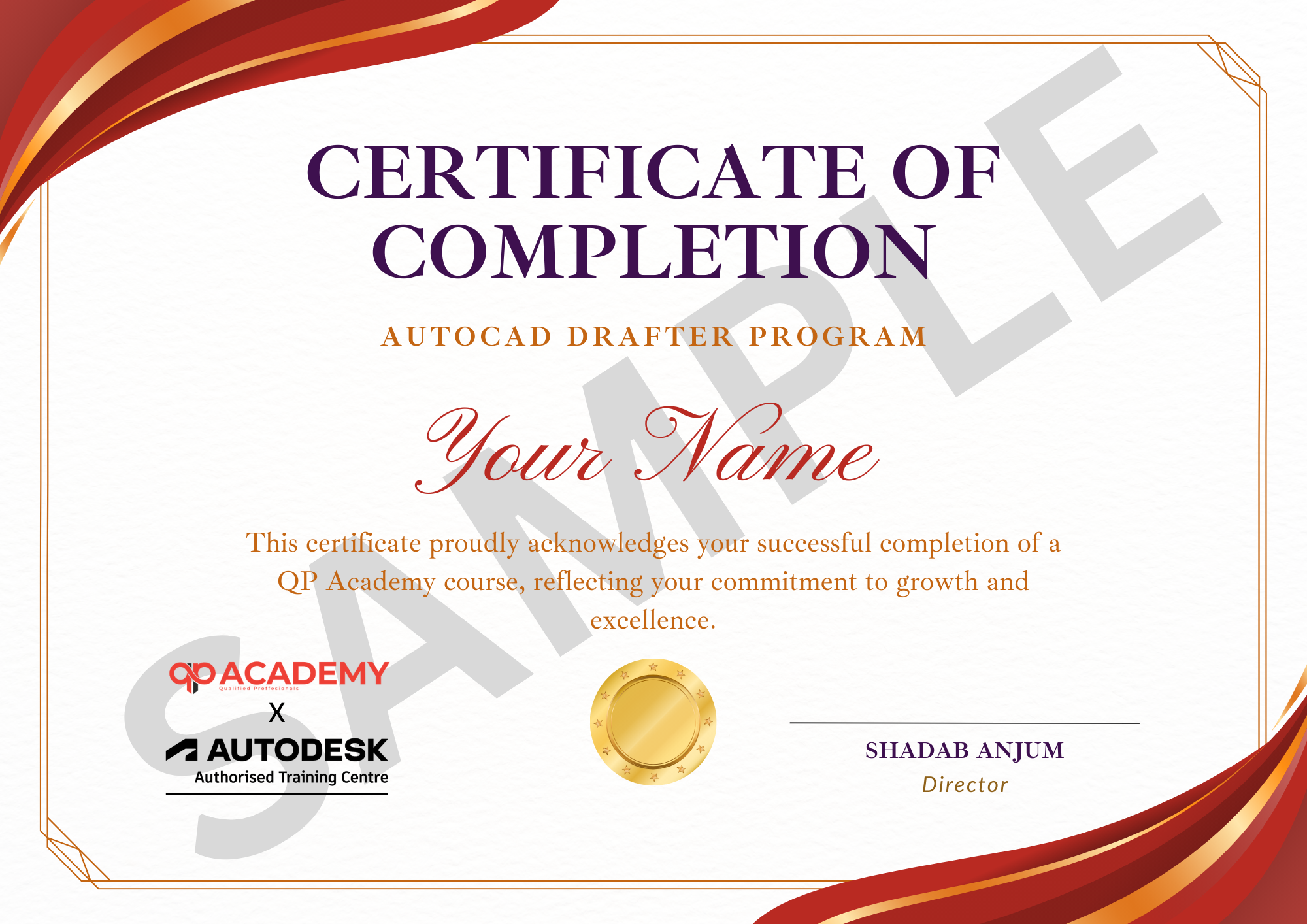
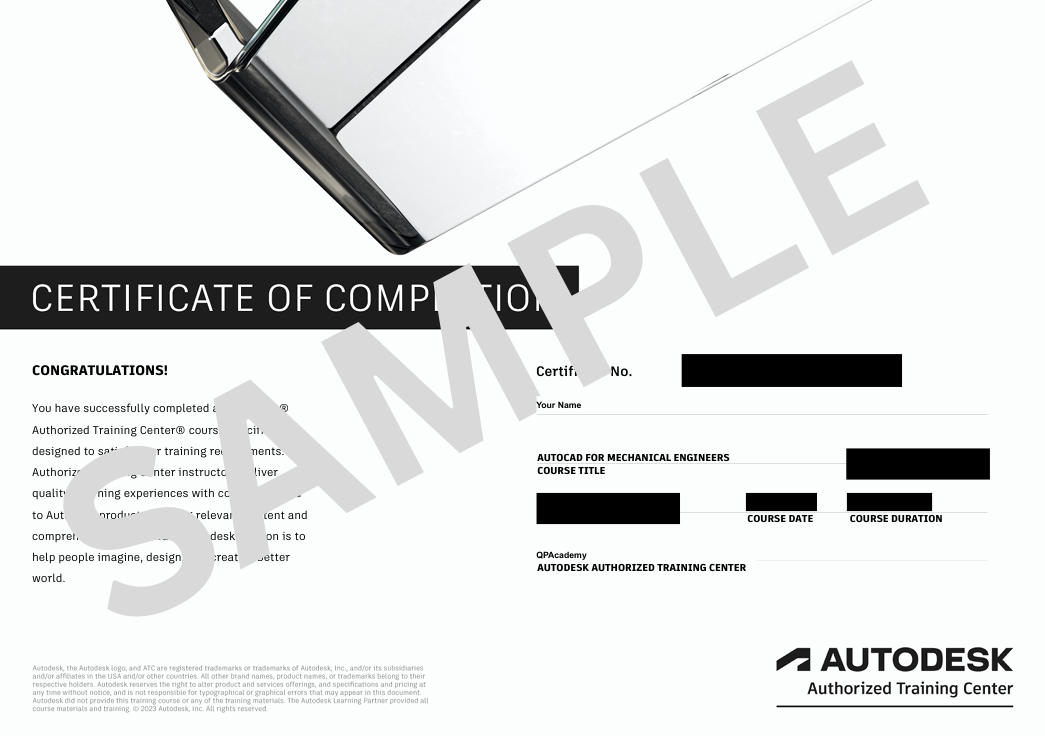
Certification & Recognition
- Certificate of Completion from QP Academy
- Portfolio-ready drafting projects to showcase skills
- Preparation for Autodesk AutoCAD Certification Exam
Job Support + Email + Discussion Forum
100% Job Support – End-to-end guidance to help you land a job, from interview prep to career advice.
Email Assistance – Quick, personalized help right in your inbox whenever you need clarity.
Discussion Forum – A dedicated space to ask questions, share knowledge, and learn from peers & experts.


We’re an Official Autodesk Training Partner!
We’re proud to join hands with Autodesk as an Authorized Learning Partner. Get ready for certified courses, hands-on training, and resources backed by industry leaders. Whether you're a student, professional, or enthusiast your journey to mastering Autodesk tools starts here.
Frequently Asked
Questions.
Do I need prior Revit knowledge to join this course?
Not necessarily. The course starts with basics but quickly moves into advanced structural tools, so beginners and intermediate learners can both benefit.
Is this course only for Civil Engineers?
No. While it is tailored for Civil & Structural students, architects, BIM professionals, and even freelancers can enroll to strengthen their structural modeling skills.
Will I learn reinforcement detailing in Revit?
Yes ✅. The course covers creating reinforcement for beams, columns, slabs, foundations, and structural elements with professional documentation.
What kind of projects will I work on?
You’ll work on realistic structural projects including RCC & steel frame buildings, reinforcement drawings, and construction documentation.
Will I get a certificate after completion?
Yes 🎓. On successful completion, you’ll receive a recognized certificate to showcase your Revit Structure skills to employers and clients.
Can I use this knowledge for freelancing?
Absolutely 💼. Structural BIM modeling, detailing, and drafting are in high demand globally. This course equips you to work for firms or as a freelancer.
What software version is used?
We use the latest Revit version, but the skills are transferable to older versions too.
Do I need a powerful computer to run Revit?
Revit is resource-intensive. A laptop/PC with at least 16GB RAM, i5/i7 processor, and a dedicated graphics card is recommended for smooth performance.
How long will it take to complete the course?
The duration depends on your pace, but typically learners complete it within 6–8 weeks with consistent practice.
Will this course help me get a job abroad?
Yes 🌍. BIM and Revit are global skills. Companies in the Middle East, USA, Canada, and Europe are actively hiring Revit Structure professionals.