
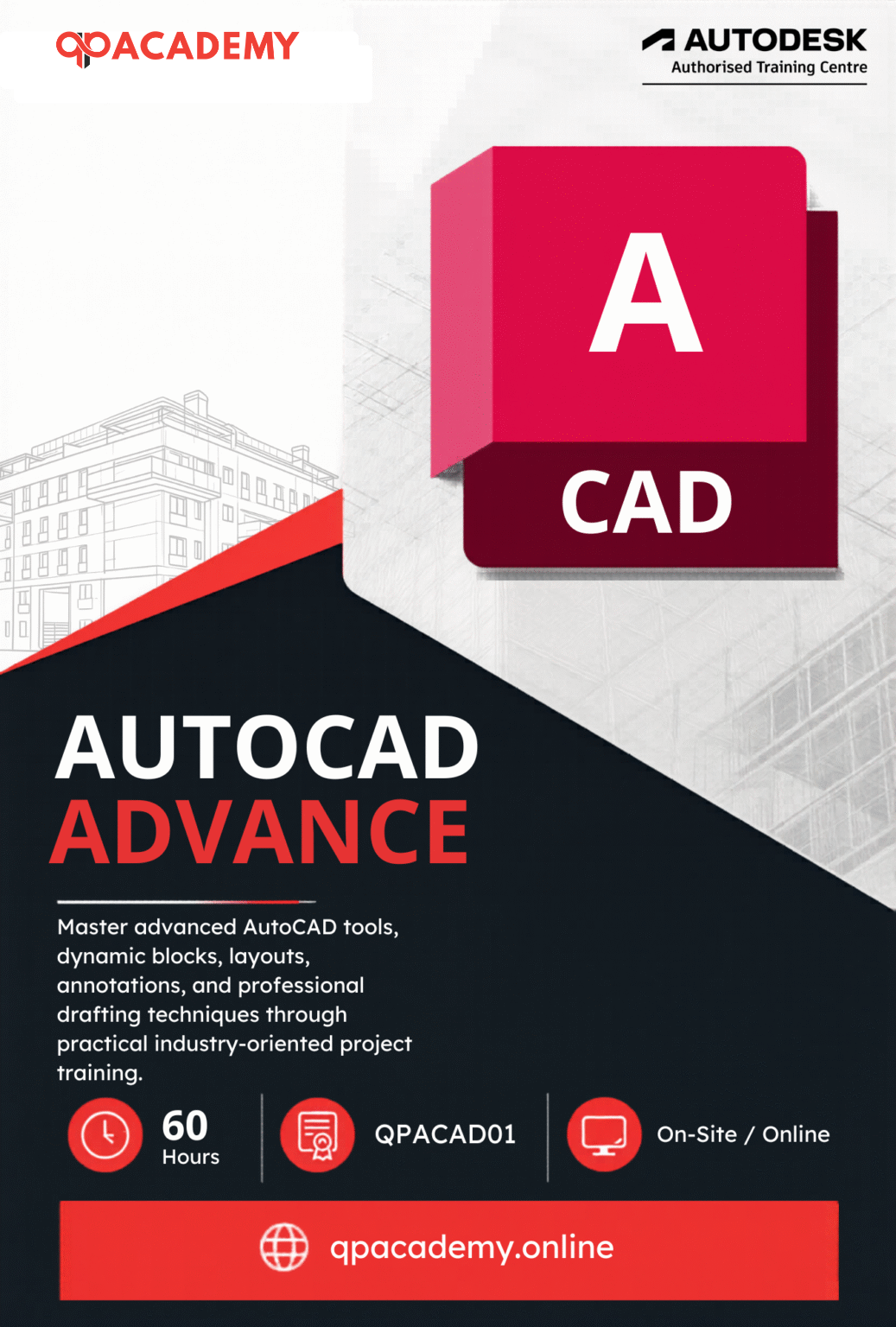

The AutoCAD Advanced (Architecture + Structure + MEP) Course by QP Academy is ideal for students and professionals who want to learn AutoCAD online and upgrade their drafting skills beyond the basics. This AutoCAD online course is designed for those who already understand fundamental CAD concepts and want real industry exposure.
This program follows global CAD standards and Singapore National CAD Standards (CP83), making it one of the most practical CAD courses online for architects, engineers, and designers. It bridges the gap between beginner-level knowledge and professional CAD design training used in real projects.
Through guided lessons, hands-on practice, and real-world mini projects, you will gain expertise in AutoCAD training, advanced layer management, dynamic blocks, architectural drawings, structural detailing, and complete MEP drafting including HVAC, plumbing, and electrical layouts.
By the end of this AutoCAD online course with certification readiness, you’ll be confident in handling multi-discipline drawings, managing professional workflows, and building a strong career with QP Academy AutoCAD courses.

| Why Choose Our Program? | |
|---|---|
| Step-by-Step Learning | From beginner basics to advanced drafting workflows |
| Real Projects | Work on floor plans, construction documents, and detailed layouts |
| Instructor-Led Expertise | Learn from certified professionals with real-world CAD experience |
| Industry Standard Training | Gain skills that align with global architectural and engineering practices |
| Certification Ready | Prepare for Autodesk certification exams for added credibility |
| Career Advantage | Build a strong portfolio and stand out in job applications |
| Flexible & Accessible | Learn online at your own pace with practical assignments |
After completing the AutoCAD Advanced (Architecture + Structure + MEP) Course, you’ll be qualified for roles such as:
- Architectural CAD Designer
- Structural CAD Detailer
- MEP CAD Designer (HVAC, Plumbing & Electrical)
- BIM / CAD Coordinator
- Construction Documentation Specialist
- Revit / AutoCAD Technician (Architecture + MEP)
- Design & Drafting Professional in AEC
With expertise across Architecture, Structure, and MEP disciplines, you’ll be ready for diverse opportunities in the global AEC (Architecture, Engineering & Construction) industry. This course equips you for both career growth in established firms and freelance drafting projects worldwide.
What Will You Learn?
Find out what skills you'll gain and who this course is designed for.
Whether you're a student, engineer, or design enthusiast, this section gives you a clear look at what you’ll learn and if this course fits your goals. No jargon, no guesswork just real skills for real careers.
Module 1: Advanced CAD Layer & Drawing Management
Understand and apply Global CAD Standards (CP83) for organized workflows.
Manage layers, properties, filters, and plotting for professional documentation.
Module 2: Block Creation & Management
Create reusable blocks, dynamic blocks, and attributes for faster drafting.
Insert, edit, and organize blocks using Tool Palettes & Design Center.
Module 3: Structural & Reinforcement Detailing
Draft accurate foundation, framing, and reinforcement plans.
Prepare rebar detailing and schedules for sub-structure & super-structure projects.
Module 4: MEP System Design (HVAC, Plumbing & Electrical)
Design ducting, piping, and electrical layouts with equipment, valves, and fittings.
Tag components and generate schedules for HVAC, plumbing, and lighting systems.
Module 5: Documentation & Visualization
Work with layouts, paper space, plotting, and export industry-standard drawings.
Create isometric, perspective, and projection views for architectural presentation.a
Module 6: External References & Data Management
Attach, manage, and edit Xrefs (underlays, detach, unload, Refedit, Xbind).
Link survey data, images, and digitized field book drawings into projects.
Who Should Enroll?
Discover if this course is the right fit for you. Whether you’re a beginner looking to build strong foundations or a professional aiming to sharpen your expertise, this program is designed to match your goals and career path.
Who Should Enroll?
This course is perfect for:
- Architecture Students: Advance beyond basics and learn how to produce professional drawings aligned with global CAD standards.
- Civil & Structural Engineering Students: Master structural detailing, rebar drawings, and reinforcement plans used in real projects.
- MEP Engineering Students: Gain hands-on experience in HVAC, plumbing, and electrical layouts within AutoCAD.
- Intermediate AutoCAD Users: Upgrade your skills from basic drafting to multidisciplinary CAD workflows.
- Working Professionals: Strengthen your expertise in architecture, structure, and MEP coordination for real-world AEC projects.
- Freelancers: Expand your service offerings to include architectural drafting, structural detailing, and MEP design support for global clients.
With demand across the Architecture, Engineering & Construction (AEC) industry, mastering AutoCAD Advanced skills opens doors to diverse career paths. From working in leading design and engineering firms to offering specialized freelance drafting services, your ability to handle Architecture, Structure, and MEP projects will give you a competitive edge worldwide.
What will you achieve?
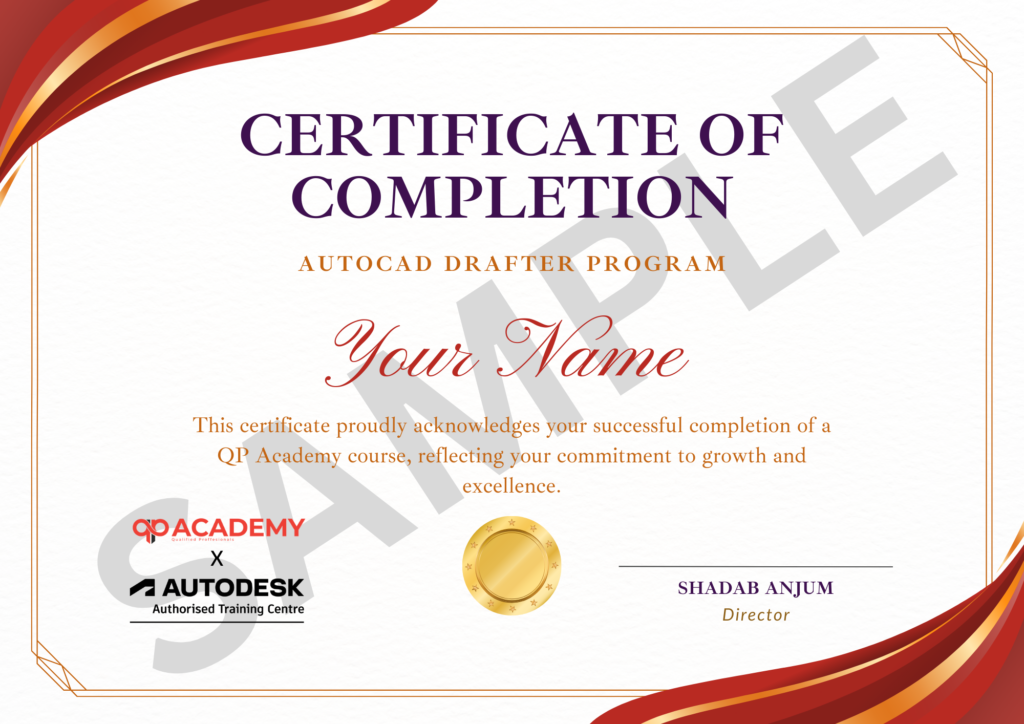
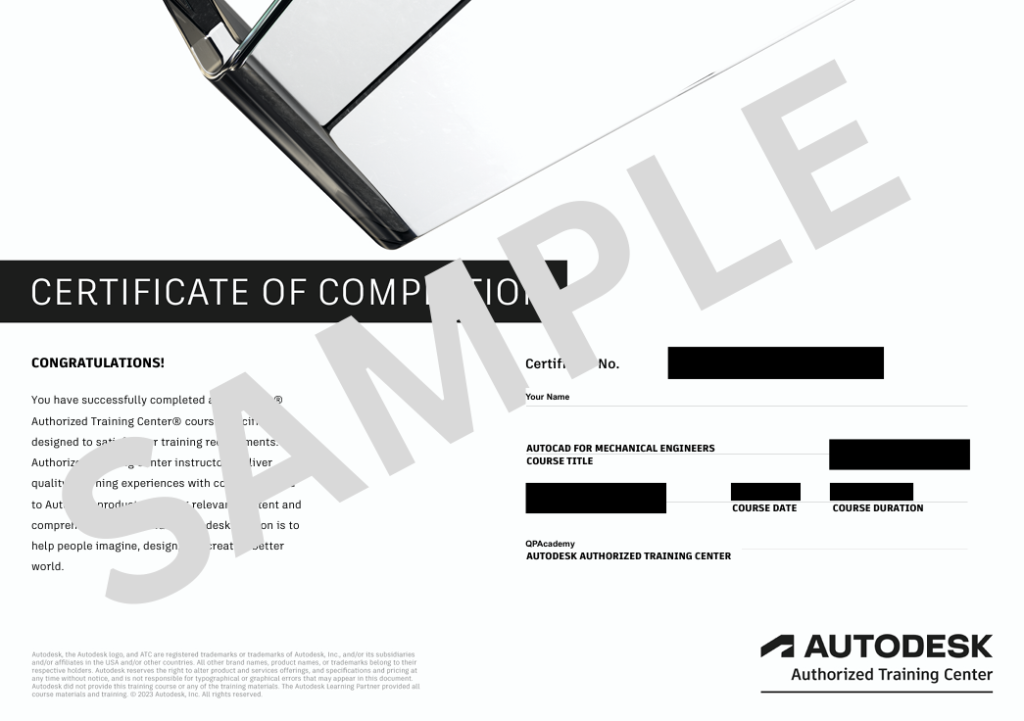
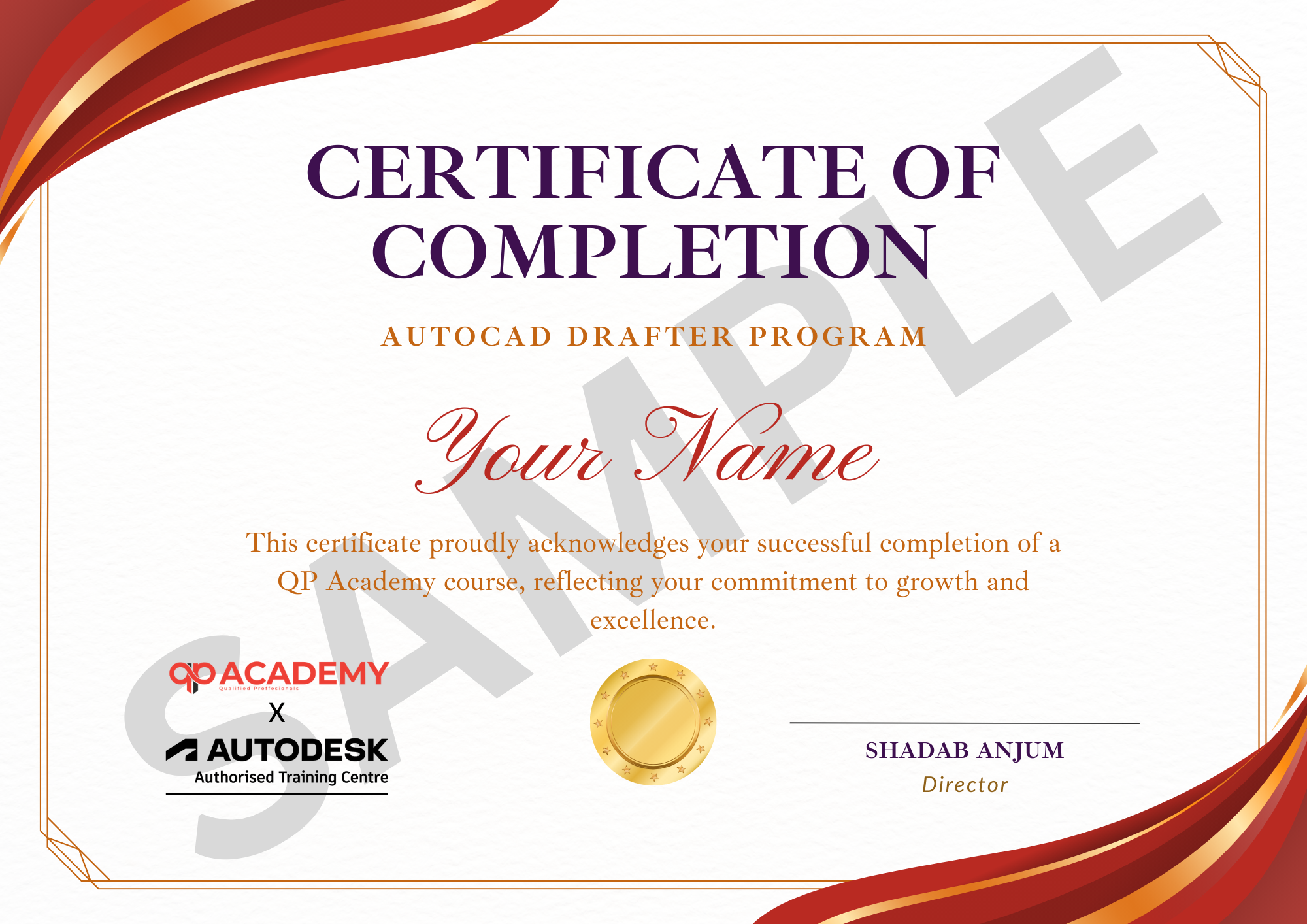
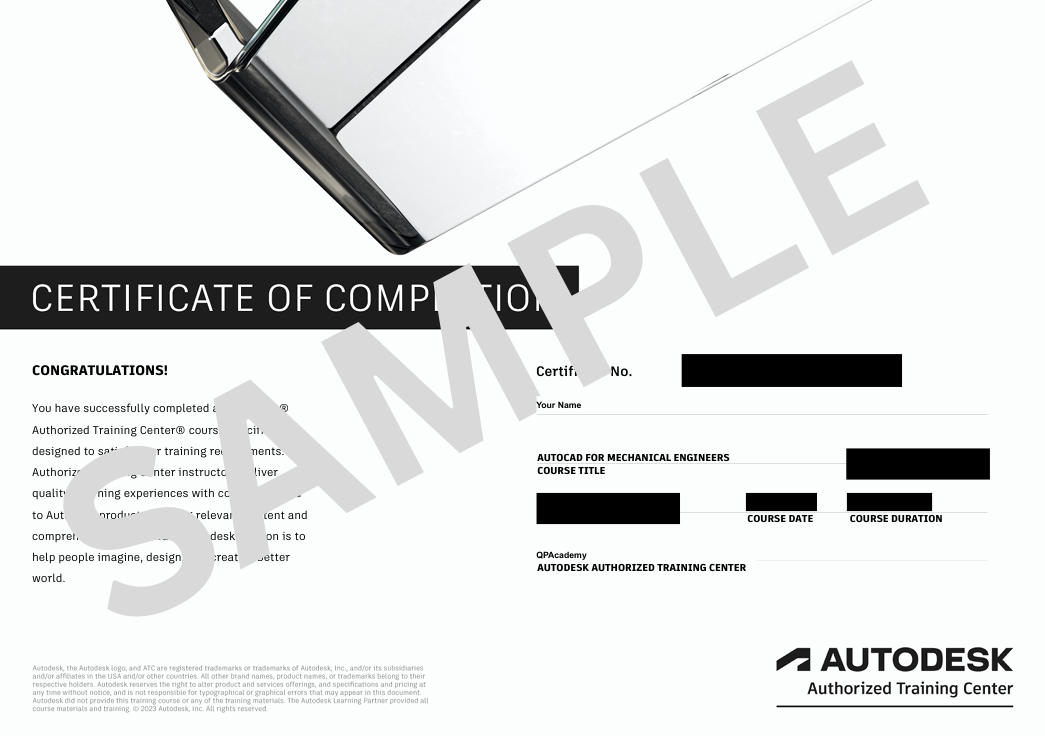
Showcase your achievement with an industry-recognized certificate. A symbol of your dedication and newly acquired skills, it’s proof you’re ready to apply your knowledge in real-world projects and career opportunities.
Certification & Recognition
- Certificate of Completion from QP Academy
- Portfolio-ready drafting projects to showcase skills
- Preparation for Autodesk AutoCAD Certification Exam
Job Support + Email + Discussion Forum
100% Job Support – End-to-end guidance to help you land a job, from interview prep to career advice.
Email Assistance – Quick, personalized help right in your inbox whenever you need clarity.
Discussion Forum – A dedicated space to ask questions, share knowledge, and learn from peers & experts.


We’re an Official Autodesk Training Partner!
We’re proud to join hands with Autodesk as an Authorized Learning Partner. Get ready for certified courses, hands-on training, and resources backed by industry leaders. Whether you're a student, professional, or enthusiast your journey to mastering Autodesk tools starts here.
Frequently Asked
Questions.
Who can enroll in this course?
This course is ideal for architecture, civil, interior design, and MEP students, intermediate AutoCAD users, working professionals, and freelancers looking to upgrade their drafting skills in Architecture, Structure, and MEP.
Do I need prior AutoCAD experience?
Yes, a basic understanding of AutoCAD is recommended. This course builds on fundamental skills and takes you to advanced, real-world applications.
What will I be able to do after completing the course?
You’ll be able to create professional architectural, structural, and MEP drawings, manage complex projects, work with blocks and Xrefs, generate schedules, and produce industry-standard documentation ready for construction or client presentations.
How is the course delivered?
The course is available both online (self-paced + live sessions) and offline classroom training, ensuring flexibility and instructor support.
What is the course duration and schedule?
The course is approximately 3 months long, with 36–40 hours of guided lessons and projects.
Will I get a certificate?
Yes, you’ll receive a Certificate of Completion. Additionally, guidance is provided for preparing for the Autodesk Certified Professional Certification, if applicable.
Are there hands-on projects?
Absolutely! The course includes multiple mini-projects and real-world exercises, covering architectural drafting, structural detailing, and MEP system design.
Can this course help me with career opportunities?
Yes, after completion, you’ll be qualified for roles like Architectural CAD Designer, Structural CAD Detailer, MEP CAD Designer, BIM/CAD Coordinator, and more. It also opens doors for freelance work in the global AEC industry.
What software will I use?
The course uses AutoCAD (Architecture, Structure & MEP modules). Recommended system requirements will be shared before starting.
Is support available if I have questions during the course?
Yes, instructors provide continuous guidance, live session Q&A, and support throughout the course, both online and in the classroom.