

₹30,000.00
QP Academy’s Tekla Structural (Steel) Design boot-camp is a live, instructor-led programme that lifts civil and structural engineers from basic CAD to advanced 3D BIM steel detailing. Inside QP Academy’s virtual classroom you will model columns, beams, base plates and PEB assemblies, create fabrication-ready drawings, BOQs and NC files, and master clash-free coordination workflows.
The curriculum is built around industrial case studies and ends with a capstone project that showcases QP Academy certified skills recruiters actively search for: Tekla detailer, structural BIM modeler, steel design engineer, PEB coordinator and CNC-ready draftsman.

| Why Choose Our Program? | |
|---|---|
| Step-by-Step Learning | From beginner basics to advanced drafting workflows |
| Real Projects | Work on floor plans, construction documents, and detailed layouts |
| Instructor-Led Expertise | Learn from certified professionals with real-world CAD experience |
| Industry Standard Training | Gain skills that align with global architectural and engineering practices |
| Certification Ready | Prepare for Autodesk certification exams for added credibility |
| Career Advantage | Build a strong portfolio and stand out in job applications |
| Flexible & Accessible | Learn online at your own pace with practical assignments |
Roles you can pursue:
Industry Demand:
Find out what skills you'll gain — and who this course is designed for.
Whether you're a student, engineer, or design enthusiast, this section gives you a clear look at what you’ll learn and if this course fits your goals. No jargon, no guesswork — just real skills for real careers.
Model 1: Model Steel & Concrete
Model 2:Add Connections & Assemblies
Model 3:Generate Detailing & Drawings
Model 4: Extract Quantities & Reports
Model 5: Coordinate & Deliver
Discover if this course is the right fit for you. Whether you’re a beginner looking to build strong foundations or a professional aiming to sharpen your expertise, this program is designed to match your goals and career path.
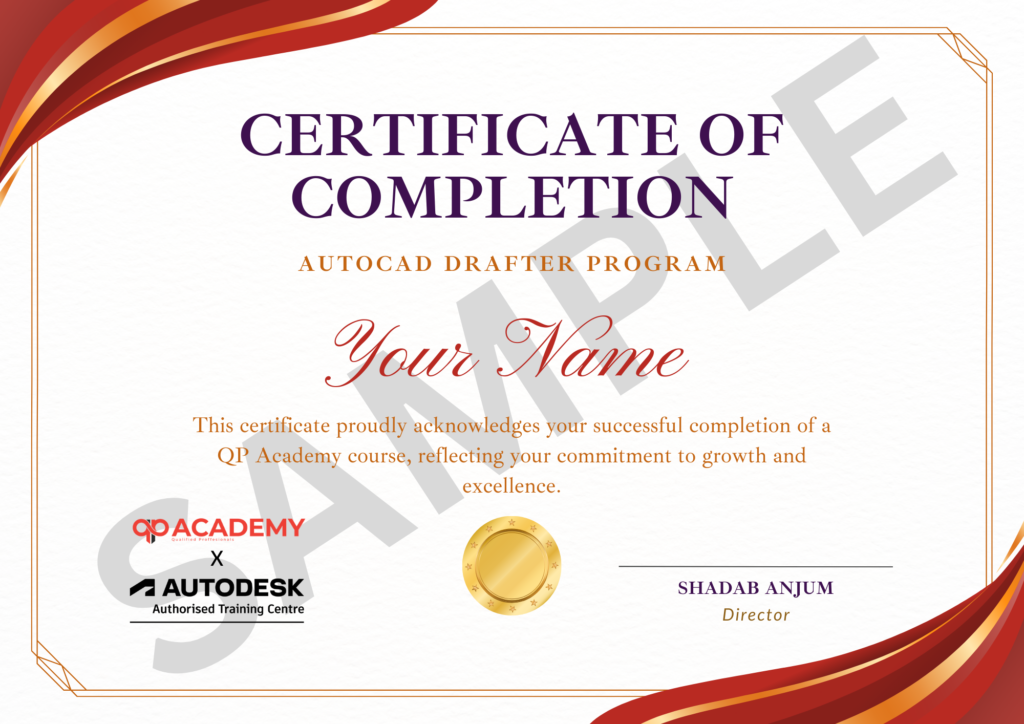
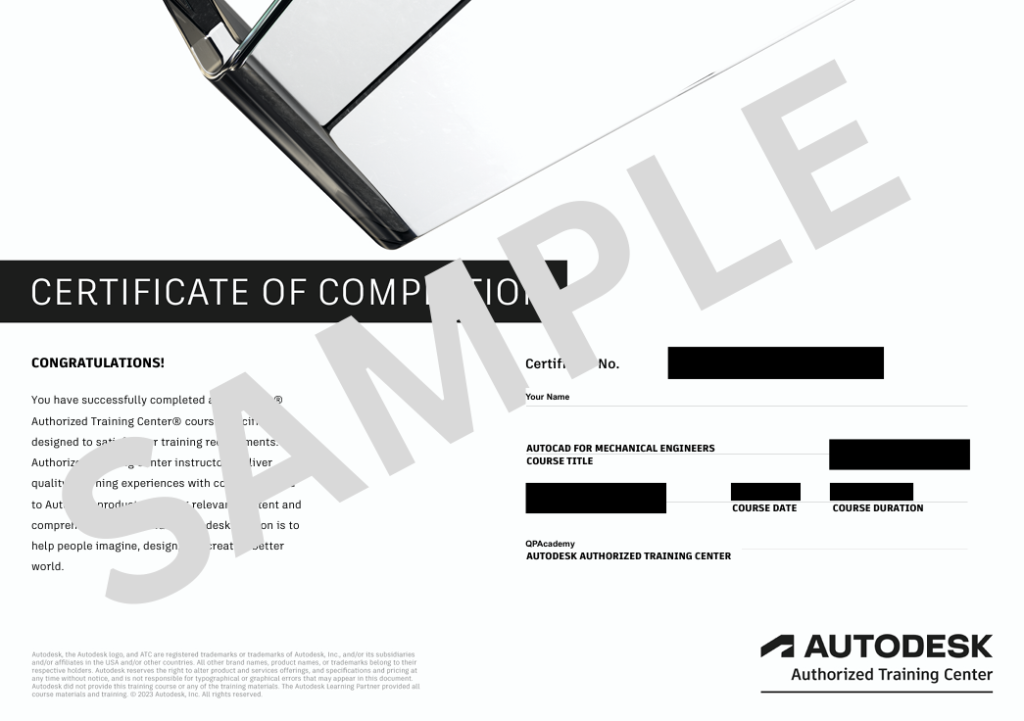
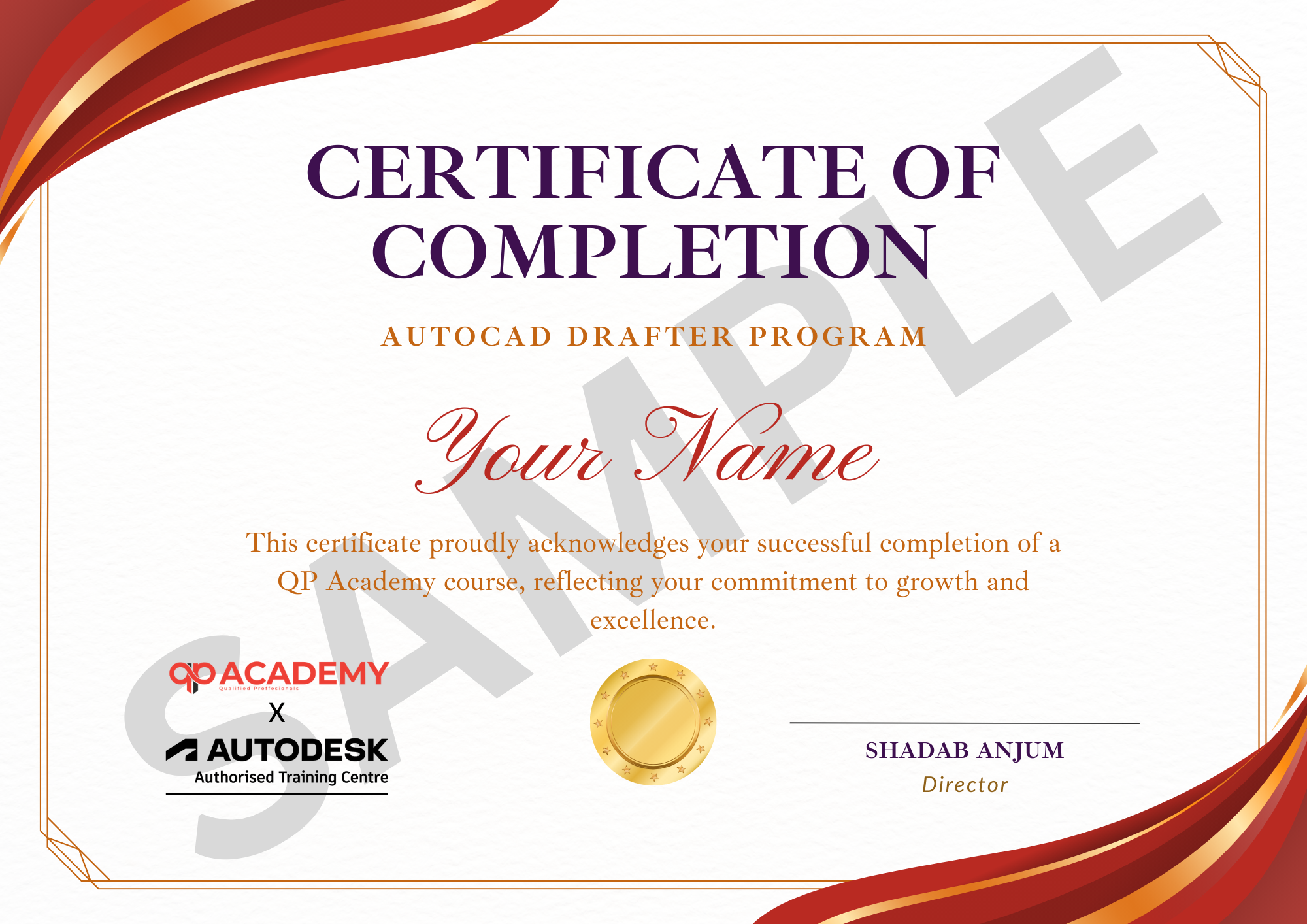
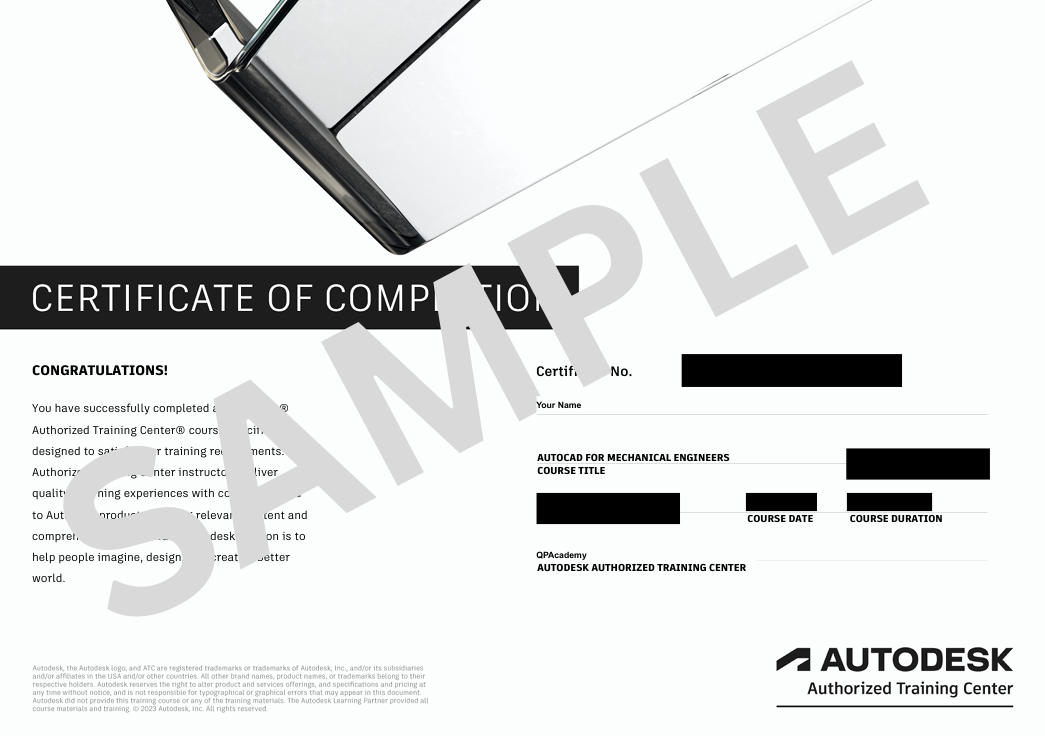
Showcase your achievement with an industry-recognized certificate. A symbol of your dedication and newly acquired skills, it’s proof you’re ready to apply your knowledge in real-world projects and career opportunities.
100% Job Support – End-to-end guidance to help you land a job, from interview prep to career advice.
Email Assistance – Quick, personalized help right in your inbox whenever you need clarity.
Discussion Forum – A dedicated space to ask questions, share knowledge, and learn from peers & experts.


We’re proud to join hands with Autodesk as an Authorized Learning Partner. Get ready for certified courses, hands-on training, and resources backed by industry leaders. Whether you're a student, professional, or enthusiast—your journey to mastering Autodesk tools starts here.
No. Module 1 covers interface basics; we progress from simple beams to full steel buildings step-by-step.
Latest edition (v2023) is demonstrated; all steps work back to v2021 and you can practise on the free educational licence we help you install.
Yes. Modules 8-9 focus on numbered drawings, DSTV/NC files and BOQ exports ready for shop-floor cutting and drilling.
Absolutely. Module 7 is devoted to purlins, bracings, portal frames and connection design as per MBMA & IS 800.
Every class is recorded and available for 12 months, along with model files and PDF hand-outs.
A capstone project (multi-storey building + foundation) is analysed, designed and documented; 70 % score earns the QP Academy certificate.
Yes. Tekla steel detailing, CNC output and clash-free BIM skills map directly to Detailer, Steel BIM Modeler and PEB Design Engineer roles.
Watch the recording, post your doubts in the group and the instructor will reply within 24 h; optional 15-min catch-up slot also available.
Yes. QP Academy shares your capstone project and certificate with 150+ steel fabrication and PEB hiring partners and guides you on resume building.
WhatsApp us


