

No products in the cart.

Revit Fundamental – All Disciplines
₹10,620.00 Original price was: ₹10,620.00.₹4,248.00Current price is: ₹4,248.00.
- Mode of Learning: Live Sessions
- Duration: ~3 months (Approx. 30 Hours of Guided Training + Hands-on Projects)
- Skill Level: Beginner to Intermediate (with focus on Architecture, Structure & MEP disciplines)
- Language: English (Instructor-led sessions + continuous support)
- Certification: Certificate of Completion / Guidance & preparation support for Autodesk Certified Professional Certification
SKU: Revit Fundamental - All Disciplines
Certificate Program
The Revit Fundamental All Disciplines Course is your gateway to mastering Building Information Modeling (BIM) using Revit across Architecture, Structure, and MEP. Designed for beginners and intermediate learners, this program is created by experienced BIM professionals at QP Academy to ensure practical industry level training from day one.
Aligned with real project workflows, this course is ideal for students, architects, engineers, interior designers, and working professionals looking to build a strong Revit foundation. With expert guidance and hands on practice you’ll gain the confidence to contribute to multidisciplinary design and coordination tasks in actual AEC environments.
Through guided lessons, mini projects, and practical exercises, you’ll learn essential Revit tools including levels, grids, walls, floors, roofs, structural elements, 2D/3D views, rooms, areas, annotations, and MEP systems such as HVAC, plumbing, and electrical layouts. Each task reflects real project standards to build true practical experience.
With QP Academy Revit training, you don’t just learn the software you learn how professionals think in BIM. By the end of the course you’ll be able to create coordinated, industry standard Revit models with clarity and accuracy, preparing you for advanced skills and career opportunities in the global AEC industry.

| Why Choose Our Program? | |
|---|---|
| Step-by-Step Learning | From beginner basics to advanced drafting workflows |
| Real Projects | Work on floor plans, construction documents, and detailed layouts |
| Instructor-Led Expertise | Learn from certified professionals with real-world CAD experience |
| Industry Standard Training | Gain skills that align with global architectural and engineering practices |
| Certification Ready | Prepare for Autodesk certification exams for added credibility |
| Career Advantage | Build a strong portfolio and stand out in job applications |
| Flexible & Accessible | Learn online at your own pace with practical assignments |
Career Opportunities
After completing the Revit Fundamental – All Disciplines Course, you’ll be qualified for roles such as:
- BIM / Revit Coordinator
- Architectural BIM Modeler
- Structural BIM / CAD Detailer
- MEP BIM Designer (HVAC, Plumbing, Electrical)
- Construction Documentation Specialist
- Junior Architect / Engineer (Drafting & Modeling Support)
- Freelance BIM / Revit Professional
With expertise across Architecture, Structure, and MEP disciplines, Revit skills prepare you for diverse opportunities in the global AEC (Architecture, Engineering & Construction) industry. From working in established firms to handling freelance BIM projects, your ability to create coordinated, professional, and industry-standard Revit models will give you a competitive edge worldwide.
What Will You Learn?
Find out what skills you'll gain and who this course is designed for.
Whether you're a student, engineer, or design enthusiast, this section gives you a clear look at what you’ll learn and if this course fits your goals. No jargon, no guesswork just real skills for real careers.
Module 1: Getting Started with Revit
Understand the Revit user interface, project templates, units, and shortcut keys.
Learn beginner workflows and project setup for architecture, structure, and MEP.
Module 2: Basic Modeling & Annotation
Create levels, grids, walls, floors, roofs, and basic elements; use drawing and modify tools.
Add text notes, tags, symbols, dimensions, and manage visibility & graphic display in views.
Module 3: Views & Documentation
Generate plan, elevation, 3D, section, callout, detail, and legend views.
Manage view templates, view tags, and organize multiple project views effectively.
Module 4: Rooms, Areas & Visualization
Add rooms, tags, and calculate areas/volumes; create schematic designs and color-fill plans.
Apply sun settings, materials, visualization techniques, and manage print/plot layouts.
Module 5: Revit Structure Fundamentals
Create structural elements including foundations, beams, columns, and joins.
Understand physical vs analytical models and complete mini structural projects.
Module 6: MEP Systems (Mechanical, Plumbing, Electrical)
Design HVAC layouts, ducting, and mechanical equipment; work with fabrication parts.
Create plumbing systems, pipe fittings, accessories, electrical systems, cable trays, and lighting fixtures.
Module 7: Mini Projects & Final Assessment
Apply all skills learned in guided mini projects across architecture, structure, and MEP disciplines.
Complete a final assessment to demonstrate industry-ready BIM and Revit proficiency.
Who Should Enroll?
Discover if this course is the right fit for you. Whether you’re a beginner looking to build strong foundations or a professional aiming to sharpen your expertise, this program is designed to match your goals and career path.
Who Should Enroll?
This course is perfect for:
- Architecture Students: Learn BIM fundamentals and create professional architectural models, floor plans, and elevations.
- Civil & Structural Engineering Students: Understand structural elements, foundations, beams, columns, and reinforcement in a Revit environment.
- MEP Engineering Students: Gain hands-on experience designing HVAC, plumbing, and electrical systems within coordinated BIM workflows.
- Revit Beginners: Start from scratch and gain confidence through guided lessons and mini-projects across all disciplines.
- Working Professionals: Upgrade your skills for multidisciplinary project coordination, collaborative workflows, and real-world AEC applications.
- Freelancers: Offer BIM modeling, architectural, structural, and MEP services to design firms, contractors, and clients globally.
With demand across the Architecture, Engineering & Construction (AEC) industry, mastering Revit Fundamental skills opens doors to diverse career paths. From working in leading firms to handling freelance BIM projects, your ability to create coordinated, professional, and industry-standard models will give you a competitive edge worldwide.
What will you achieve?
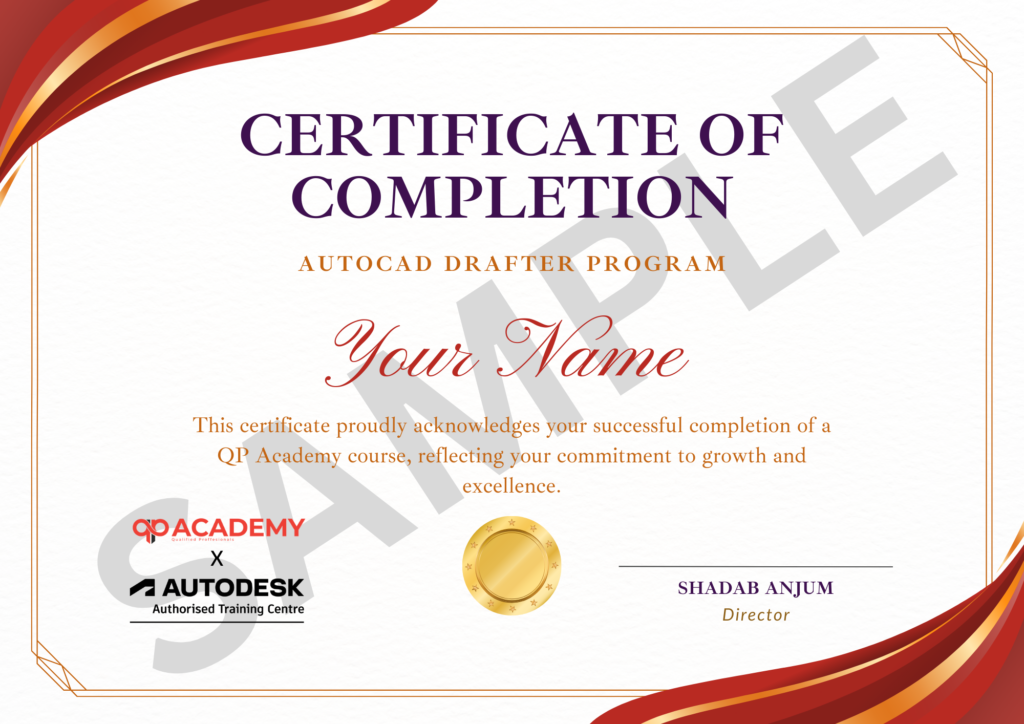
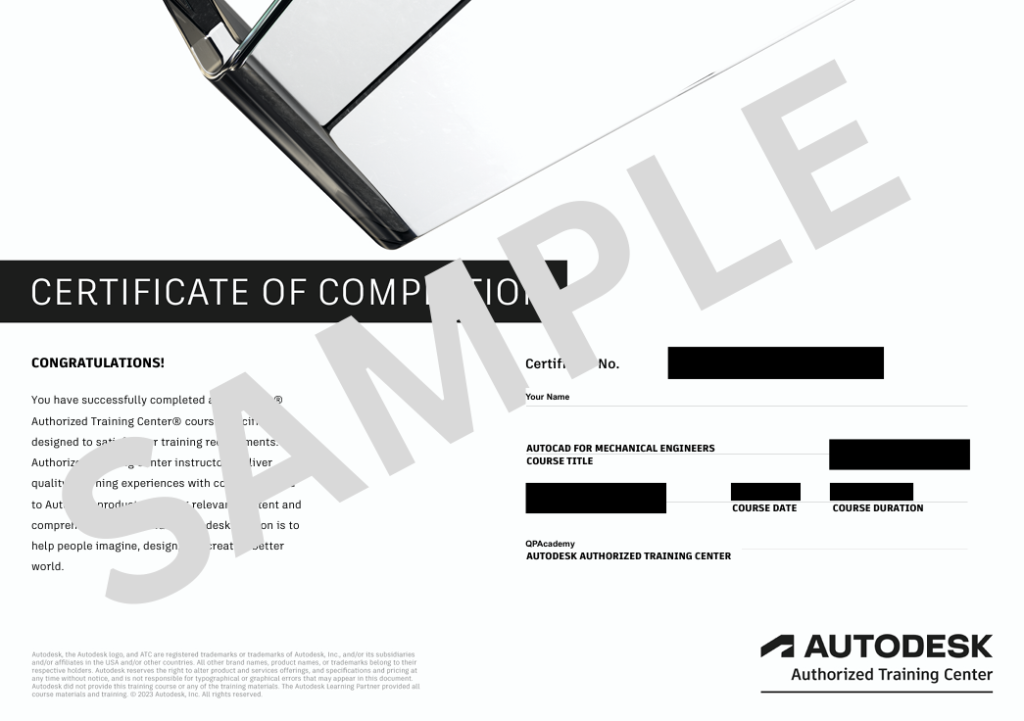
Showcase your achievement with an industry-recognized certificate. A symbol of your dedication and newly acquired skills, it’s proof you’re ready to apply your knowledge in real-world projects and career opportunities.
Certification & Recognition
- Certificate of Completion from QP Academy
- Portfolio-ready drafting projects to showcase skills
- Preparation for Autodesk AutoCAD Certification Exam
Job Support + Email + Discussion Forum
100% Job Support – End-to-end guidance to help you land a job, from interview prep to career advice.
Email Assistance – Quick, personalized help right in your inbox whenever you need clarity.
Discussion Forum – A dedicated space to ask questions, share knowledge, and learn from peers & experts.


We’re an Official Autodesk Training Partner!
We’re proud to join hands with Autodesk as an Authorized Learning Partner. Get ready for certified courses, hands-on training, and resources backed by industry leaders. Whether you're a student, professional, or enthusiast your journey to mastering Autodesk tools starts here.
FAQ’SFrequently Asked
Frequently Asked
Questions.
Who can enroll in this course?
This course is ideal for architecture, civil, structural, and MEP students, Revit beginners, working professionals, and freelancers who want to gain foundational BIM skills across all disciplines.
Do I need prior Revit experience?
No prior experience is required. This course starts with basic workflows and gradually takes you to coordinated architecture, structure, and MEP modeling.
What software will I use?
The course uses Autodesk Revit for Architecture, Structure, and MEP disciplines. Recommended system requirements will be shared before starting.
What will I be able to do after completing the course?
You’ll be able to create professional architectural models, structural elements, and MEP systems, manage views, annotations, schedules, and produce industry-standard BIM documentation.
How is the course delivered?
The course is delivered online (self-paced + live sessions) and offline in classroom training, with instructor support throughout.
What is the course duration?
Approximately 3 months with 60 hours of guided lessons and hands-on projects.
Will I get a certificate?
Yes, you will receive a Certificate of Completion. Guidance is also provided for Autodesk Certified Professional certification if applicable.
Are there practical projects?
Yes, the course includes mini-projects and exercises across architecture, structure, and MEP disciplines to ensure hands-on learning.
Can this course help me with career opportunities?
Absolutely. You’ll be prepared for roles like BIM/Revit Coordinator, Architectural BIM Modeler, Structural Detailer, MEP Designer, and freelance opportunities in the AEC industry.
Is support available during the course?
Yes, instructors provide continuous guidance, live Q&A sessions, and project support for both online and offline learners.
Other


