

₹30,000.00
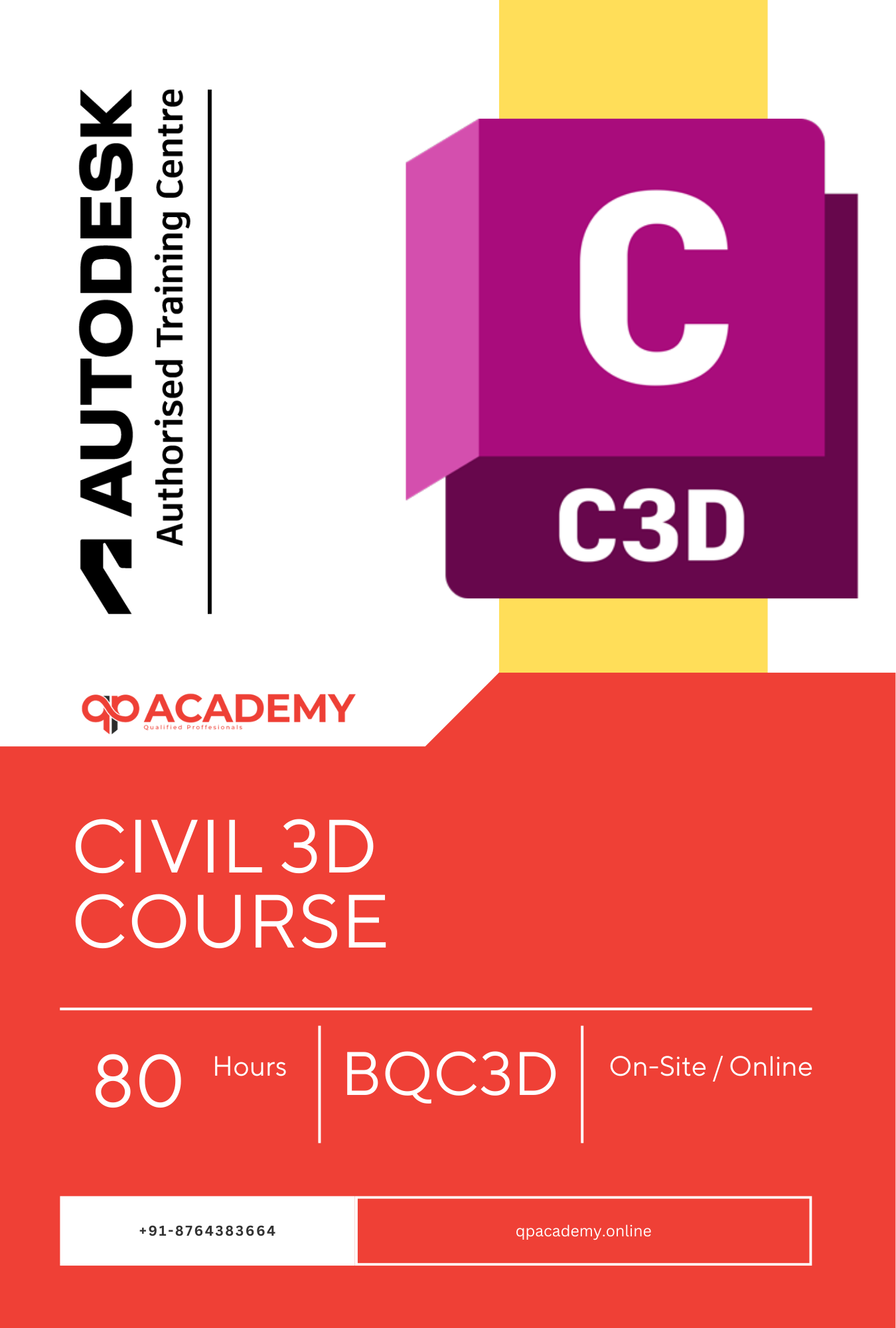
This Advanced Civil Infrastructure Course helps you master Autodesk Civil 3D for real civil engineering projects. You will learn terrain modelling, corridor design, pipe networks, earthwork calculations, survey data workflows, and professional construction documentation using Civil 3D software.
QP Academy provides hands-on training with real projects, so students learn practical AutoCAD Civil 3D workflows instead of theory. Our expert trainers have many years of industry experience, and every learner practices through guided Civil 3D tutorials, drawings, and live project tasks.
After completing this Civil 3D course, you will be job ready with the skills to create accurate AutoCAD civil drawings and handle infrastructure design confidently. QP Academy also supports students with job assistance after the course.

| Why Choose Our Program? | |
|---|---|
| Step-by-Step Learning | From beginner basics to advanced drafting workflows |
| Real Projects | Work on floor plans, construction documents, and detailed layouts |
| Instructor-Led Expertise | Learn from certified professionals with real-world CAD experience |
| Industry Standard Training | Gain skills that align with global architectural and engineering practices |
| Certification Ready | Prepare for Autodesk certification exams for added credibility |
| Career Advantage | Build a strong portfolio and stand out in job applications |
| Flexible & Accessible | Learn online at your own pace with practical assignments |
Roles you can pursue:
Industry Demand:
💼 Average Salary Range:
₹4.5 – ₹10 LPA in India
$55,000 – $85,000 internationally
Find out what skills you'll gain — and who this course is designed for.
Whether you're a student, engineer, or design enthusiast, this section gives you a clear look at what you’ll learn and if this course fits your goals. No jargon, no guesswork — just real skills for real careers.
Module 1: Advanced CAD Layer & Drawing Management
Understanding layer standards & naming conventions
Layer filters, layer states & layer properties manager
Drawing setup, sheet-set manager, external references (Xrefs)
Revision management, drawing audit & cleanup
Plot styles, page setups & batch publishing
Module 2: Block Creation & Management
Dynamic vs static blocks & effective usage
Attributes, fields & data extraction
Block libraries, tool palettes & design reuse
Managing visibility states & scaling within blocks
Block referencing, exploded block issues & best practices
Module 3: Structural & Reinforcement Detailing
Detailing structural elements: beams, columns, slabs
Reinforcement annotations, bar bending schedules (BBS)
Section & detail views, automatic tags & notes
Link between structural model & 2D detailing
Exporting and printing drawings for fabrication & construction
Module 4: MEP Drafting & Coordination
MEP system drafting: HVAC, plumbing, fire-protection
Routing, schematic vs layout drawings, system diagrams
Clash detection, coordination between disciplines
Data linking: MEP schedules, quantities, BOMs
Final drawings, annotations and hand-over deliverables
Module 5: Project Documentation & Collaboration
Title blocks, sheet-sets, drawing templates & standards
Revision tracking, drawing history & log sheets
Collaboration workflows: reference files, cloud sharing, versioning
Exporting to other formats: PDF, DWF, DWG for stake-holders
Quality control checks, drawing review process, archiving
Discover if this course is the right fit for you. Whether you’re a beginner looking to build strong foundations or a professional aiming to sharpen your expertise, this program is designed to match your goals and career path.
👩🎓 Who Should Enroll?
This program is ideal for:
Civil engineering students and graduates
Drafting professionals transitioning into civil infrastructure
Surveying & GIS technicians looking to upskill
Career changers entering the civil design / infrastructure sector
Site development and roadway design freelancers
BIM/CAD professionals who want to specialize in civil workflows
Urban planning and land development technicians
Showcase your achievement with an industry-recognized certificate. A symbol of your dedication and newly acquired skills, it’s proof you’re ready to apply your knowledge in real-world projects and career opportunities.
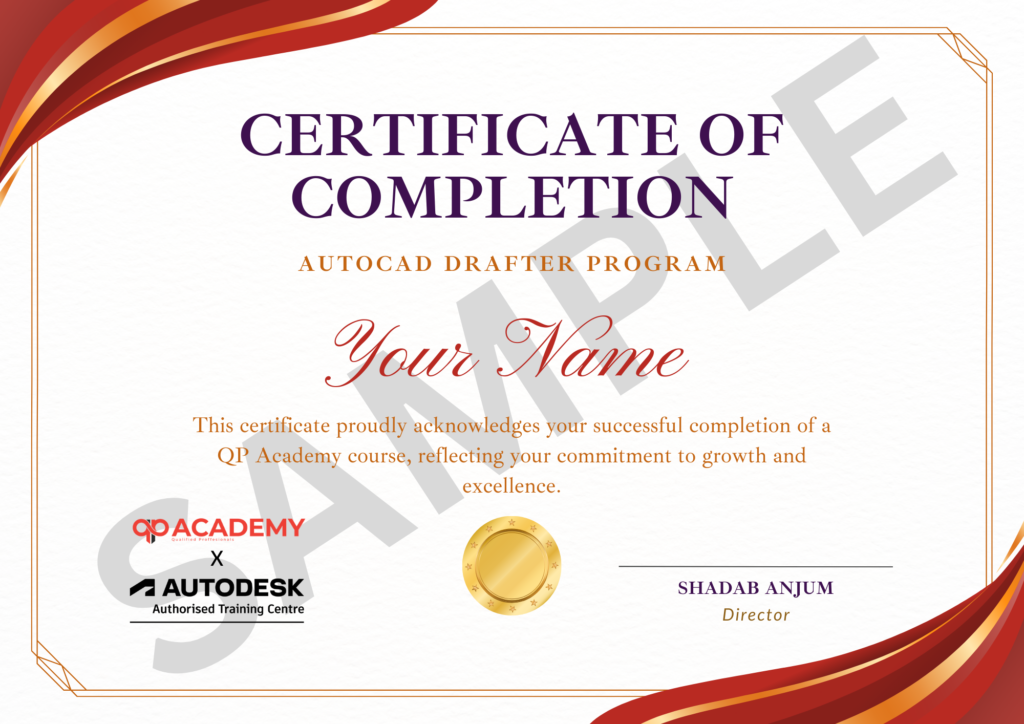
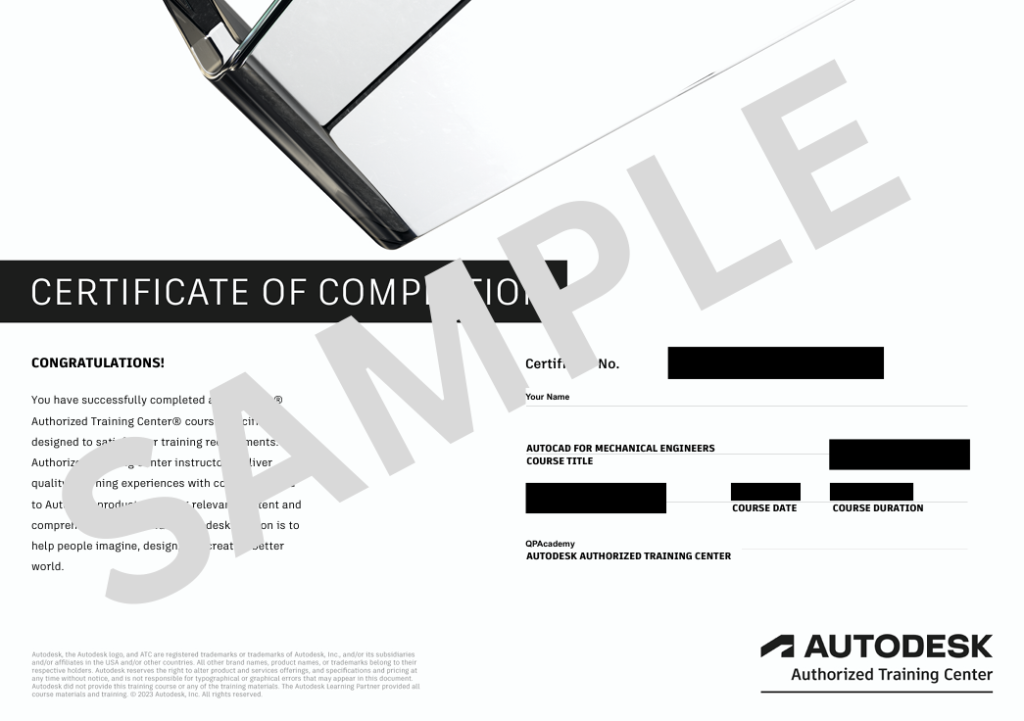
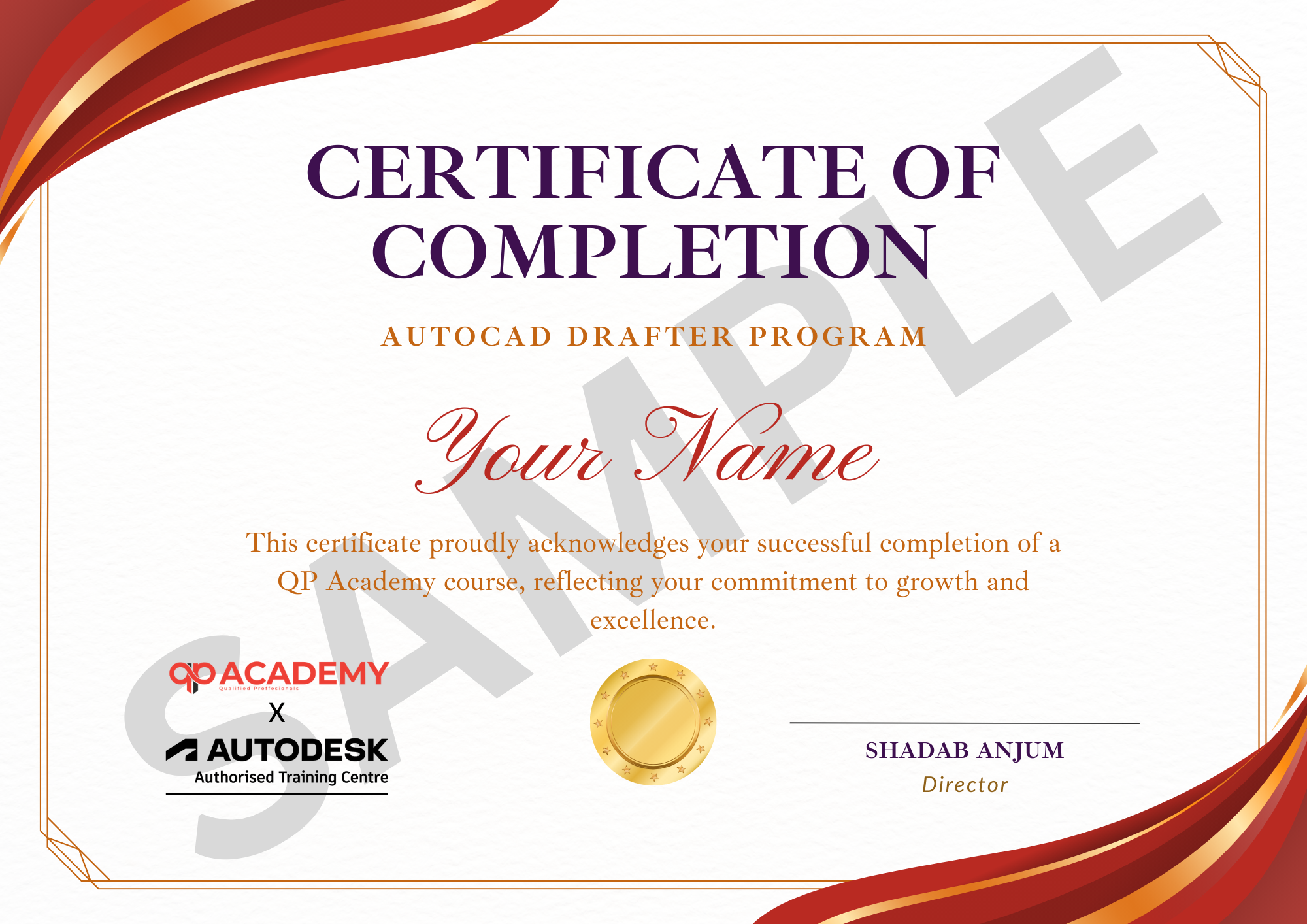
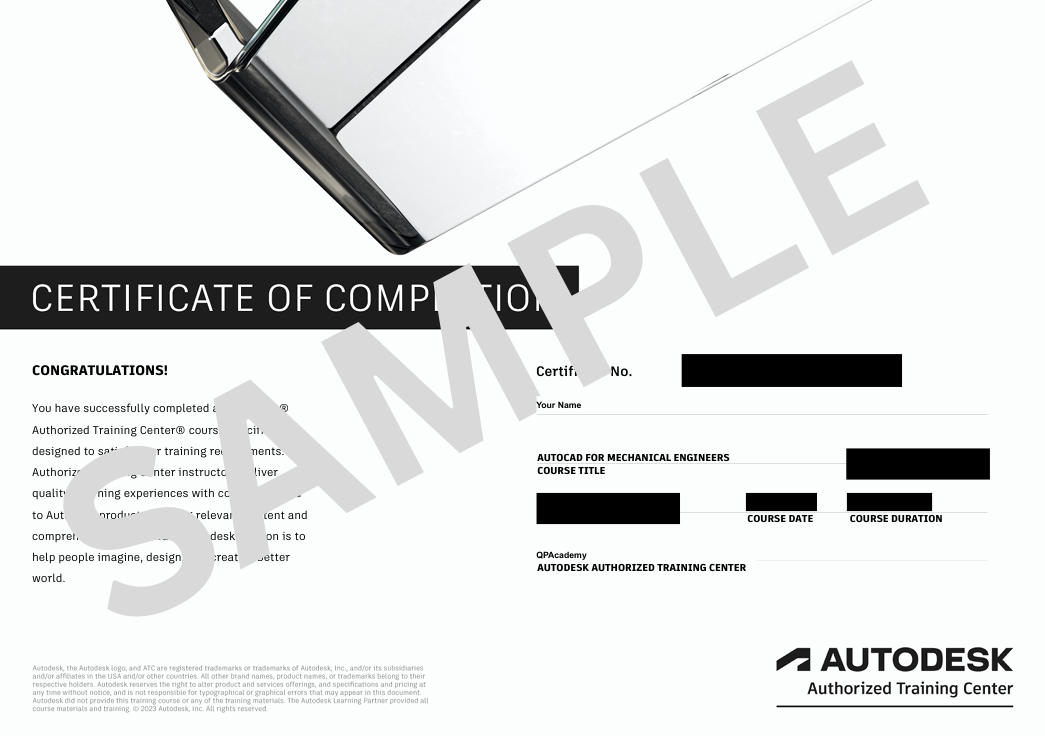
Upon successful completion, learners will be awarded the Certified BIM Professional Diploma, which:
This diploma sets you apart as an advanced professional ready for leadership in BIM.
100% Job Support – End-to-end guidance to help you land a job, from interview prep to career advice.
Email Assistance – Quick, personalized help right in your inbox whenever you need clarity.
Discussion Forum – A dedicated space to ask questions, share knowledge, and learn from peers & experts.


We’re proud to join hands with Autodesk as an Authorized Learning Partner. Get ready for certified courses, hands-on training, and resources backed by industry leaders. Whether you're a student, professional, or enthusiast—your journey to mastering Autodesk tools starts here.
Civil 3D is a civil engineering design software used for roads, highways, land development, surveying, grading, pipe networks, and infrastructure modeling
Basic AutoCAD skills are helpful but not mandatory. The course begins with essential tools before moving into full Civil 3D workflows.
You’ll work on real-world projects such as road design, land development layouts, grading models, pipe networks, and survey-based surface creation.
Yes! Even if you’re new to infrastructure design, the step-by-step curriculum makes it beginner-friendly and industry-ready.
Yes — you’ll receive a QP Academy certification, recognized by engineering firms and BIM/CAD companies.
Absolutely. You can apply for roles such as Civil 3D Designer, Land Development Engineer, Roadway Designer, Survey Technician, and Infrastructure CAD/BIM Modeler.
We train primarily on Autodesk Civil 3D 2023/2024/2025 depending on availability, ensuring you're aligned with current industry standards.
A mid-range laptop with at least 8–16GB RAM and a dedicated GPU is recommended for smooth performance — but we’ll guide you through optimized settings too.
We help you access the official Autodesk Student/Education License so you can practice legally and for free.
Yes — Civil 3D is used in Smart City, PWD, Irrigation, Rail, and Urban Development projects, making it valuable for many government roles.
WhatsApp us


