

No products in the cart.
AutoCAD Fundamental ( Basic + Architecture)
$103.84 Original price was: $103.84.$41.54Current price is: $41.54.
- Mode of Learning: Live Sessions
- Duration: ~3 months (Approx. 36 Hours)
- Skill Level: Beginner to Intermediate (Architecture Focused)
- Language: English (with Instructor Guidance & Support)
- Certification: Certificate of Completion + Certification (with guidance for Autodesk Certification prep if applicable)
SKU: AutoCAD Fundamental ( Basic + Architecture)
Certificate Program
The AutoCAD Fundamental (Basic + Architecture) Course is your first into the world of architectural drafting and CAD design architecture. Designed for beginners, this program takes you from the very basics of AutoCAD to architecture building accurate, professional, and AutoCAD architecture drawings. Whether you are looking to start your journey in strengthen your technical drafting skills, this course provides the perfect foundation.
This program is structured to align with industry practices in AutoCAD for architectural drawing and documentation, making it the ideal choice for students, aspiring architects, engineers, and design enthusiasts. Its also one of the most beginner-friendly AutoCAD architecture courses, ensuring that even those with no prior CAD experience can step into the field with confidence.
Through guided lessons, hands-on exercise, and mini projects, you will master the essential of AutoCAD software for architects while focusing on real world architectural applications. From creating 2D floor plans and elevations to working with layouts with layouts, dimension, layers and isometric drawings you will gain the practical skills needed to produce drawings that meet professional architectural standards.
With QP Academy’s AutoCAD architecture training, you’ll not only learn the software you’ll learn how to think like an architect and apply AutoCAD architecture design software to real-world projects, setting a strong base for advanced design and drafting skills.

| Why Choose Our Program? | |
|---|---|
| Step-by-Step Learning | From beginner basics to advanced drafting workflows |
| Real Projects | Work on floor plans, construction documents, and detailed layouts |
| Instructor-Led Expertise | Learn from certified professionals with real-world CAD experience |
| Industry Standard Training | Gain skills that align with global architectural and engineering practices |
| Certification Ready | Prepare for Autodesk certification exams for added credibility |
| Career Advantage | Build a strong portfolio and stand out in job applications |
| Flexible & Accessible | Learn online at your own pace with practical assignments |
Career Opportunities
After completing the AutoCAD Fundamental (Basic + Architecture) Course, you’ll be qualified for roles such as:
- CAD Drafter / Technician
- Architectural Drafter
- Junior Architect (Drafting & Design Support)
- CAD Technician
- Construction Documentation Specialist
- Interior Design Drafting Assistant
- Building Design Support Professional
With demand across AEC (Architecture, Engineering & Construction), manufacturing, and design industries, AutoCAD skills can significantly boost your career prospects and open doors to both employment and freelance opportunities.
What Will You Learn?
Find out what skills you'll gain and who this course is designed for.
Whether you're a student, engineer, or design enthusiast, this section gives you a clear look at what you’ll learn and if this course fits your goals. No jargon, no guesswork just real skills for real careers.
Module 1: AutoCAD Fundamentals
Navigate the AutoCAD GUI, set up drawing units and limits, and customize your workspace.
Manage coordinate systems, status bar tools, and file organisation basics.
Module 2: Drawing & Modify Tools
Master basic drawing tools: line, polyline, circle, arc, rectangle, ellipse, polygon, spline, etc.
Learn modify tools: move, copy, rotate, offset, mirror, trim, extend, fillet & chamfer.
Use Osnap, Ortho, Grids & Snap properly.
Module 3: Object & Layer Management
Select, filter, and manage object properties (color, line-type, line weight etc.).
Work with layers, hatch & gradient fills, blocks and block editing.
Module 4: Advanced Drafting & Layouts
Use external references (XREFs), manage large drawings, layouts, viewports.
Practice isometric drawing, elevation, plans & architectural sheets.
Module 5: Technical Documentation & Inquiry Tools
Dimensioning, leaders, annotations, measurement & inquiry tools (dist, angle, area etc.).
Working with tables, text styles, MText, leaders etc.
Module 6: Projects & Certification Prep
Mini and capstone projects to build real architectural-style drawings.
Review & feedback cycles.
Prep for Autodesk Certification (if that’s an option).
Who Should Enroll?
Discover if this course is the right fit for you. Whether you’re a beginner looking to build strong foundations or a professional aiming to sharpen your expertise, this program is designed to match your goals and career path.
Who Should Enroll?
This course is perfect for :
Architecture students : Learn drafting basics and create professional 2D drawings.
Civil Engineering Students : build accurate plans, section and construction documents.
Interior design Students : Create layouts, elevations , and detailed presentation drawings.
AutoCAD beginners : Start from zero and gain confidence through guided project.
Working professional : Refresh or upgrade your CAD drafting skills for real world use.
Freelancers : offers CAD services to architects, contractors, and design firms world wide.
With demand across AEC (Architecture, Engineering & Construction), manufacturing and design industries, AutoCAD skills can significantly boost your career prospect. form working in established firms to offering freelance drafting services, your ability to create precise, professional, and industry standards drawings will set your apart in today's competitive market.
What will you achieve?
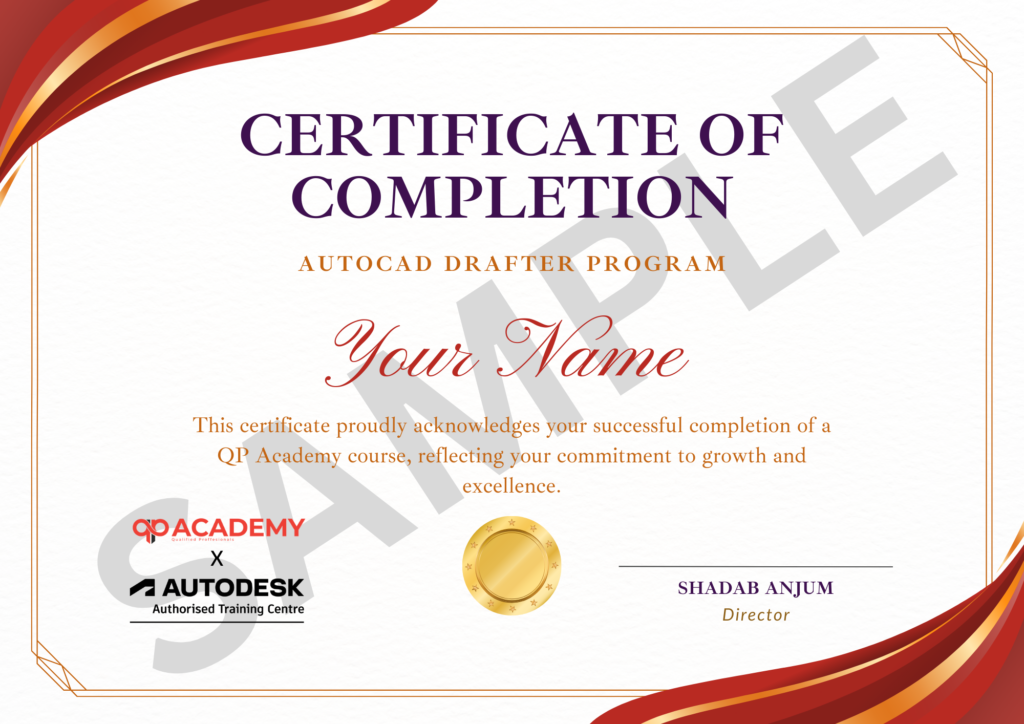
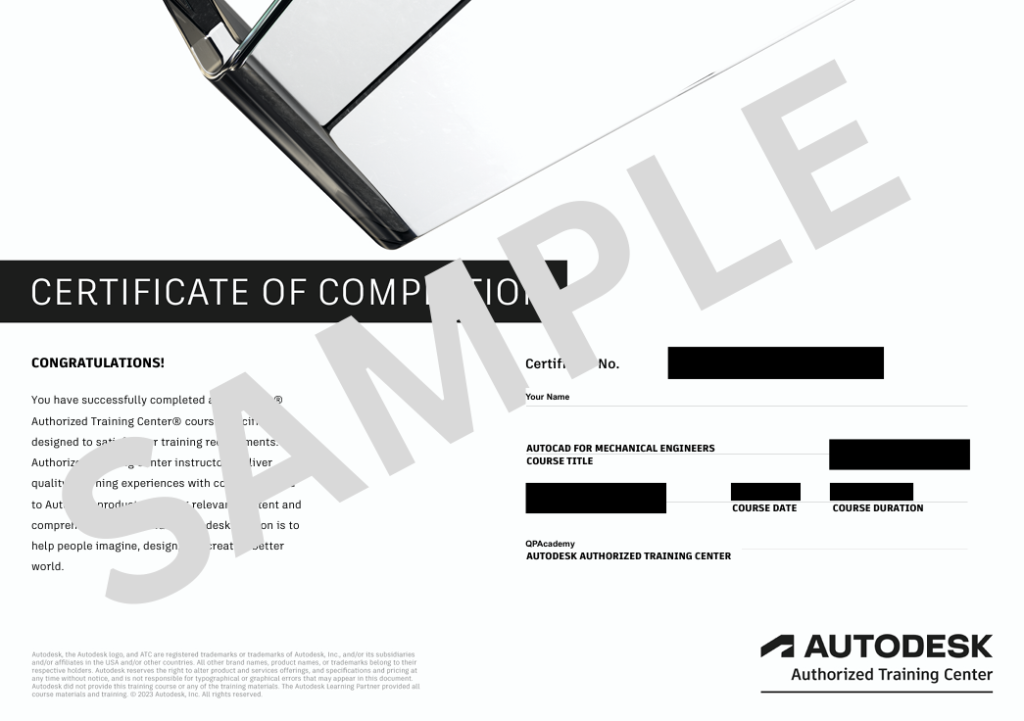
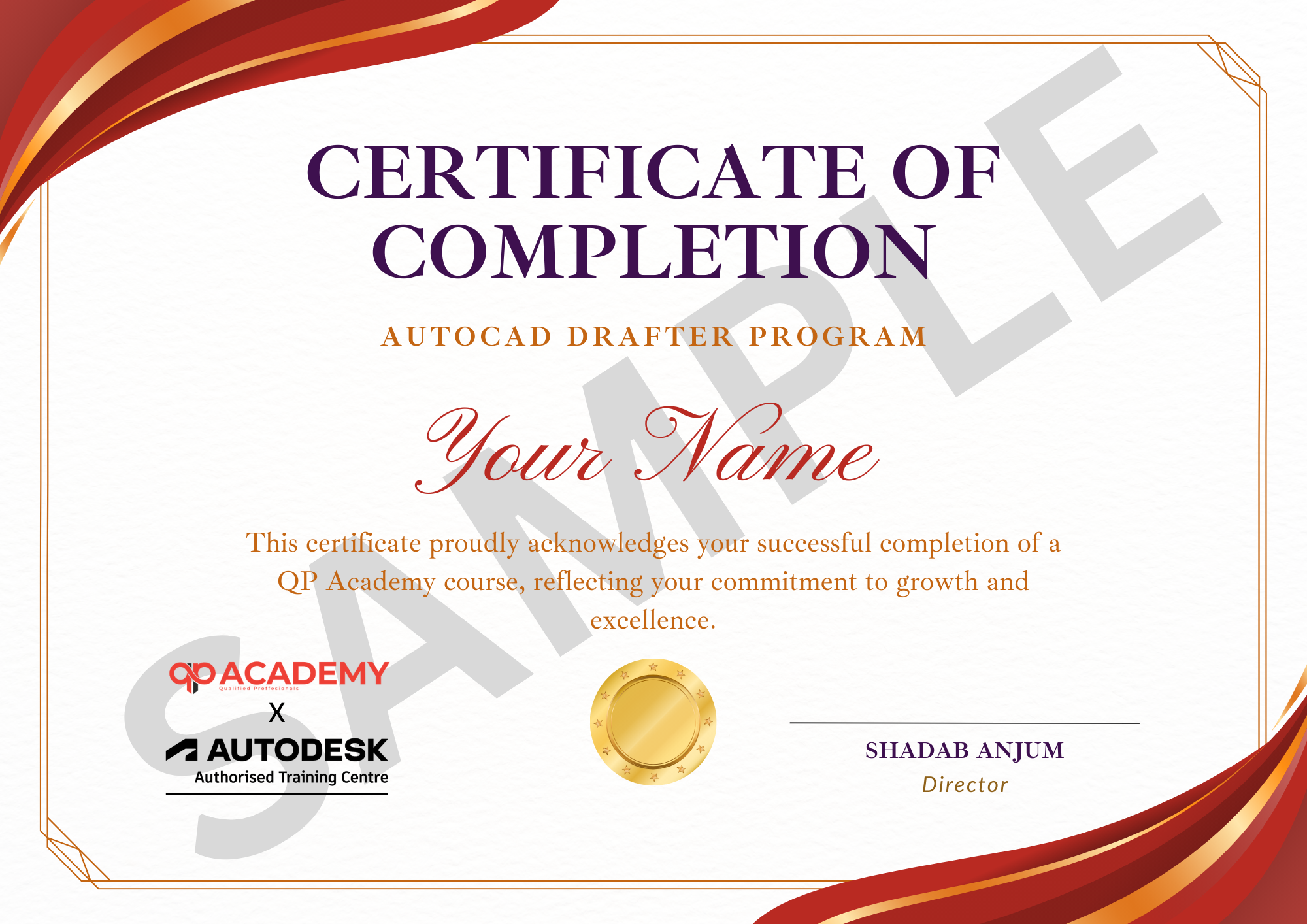
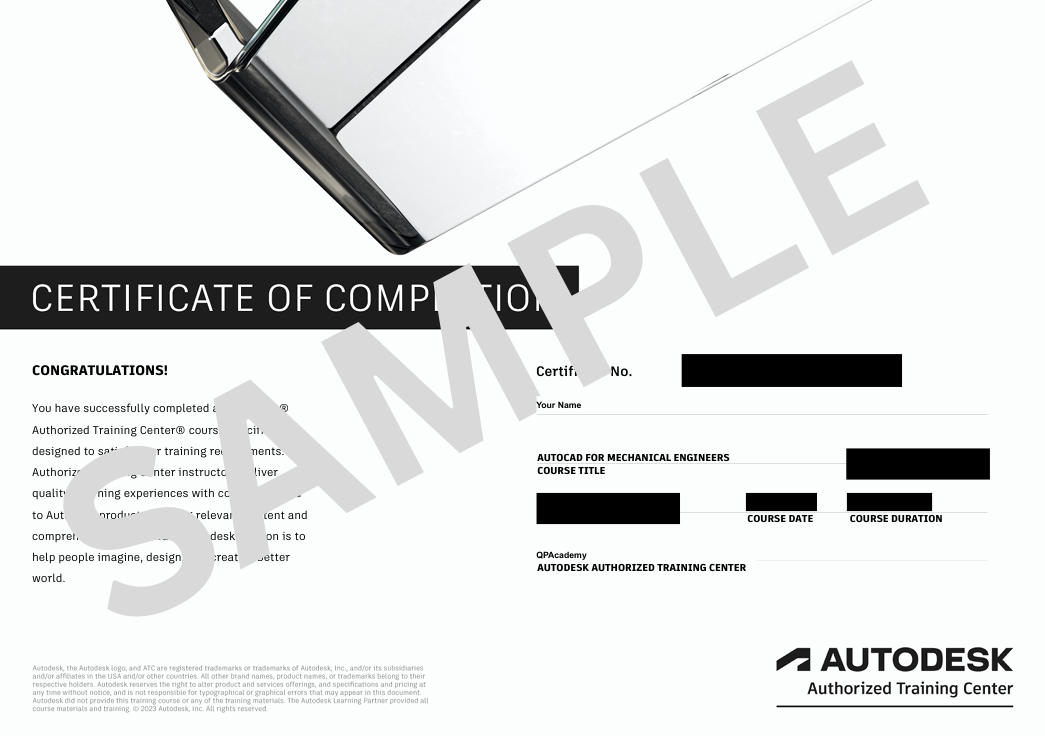
Showcase your achievement with an industry-recognized certificate. A symbol of your dedication and newly acquired skills, it’s proof you’re ready to apply your knowledge in real-world projects and career opportunities.
Certification & Recognition
- Certificate of Completion from QP Academy
- Portfolio-ready drafting projects to showcase skills
- Preparation for Autodesk AutoCAD Certification Exam
Job Support + Email + Discussion Forum
100% Job Support – End-to-end guidance to help you land a job, from interview prep to career advice.
Email Assistance – Quick, personalized help right in your inbox whenever you need clarity.
Discussion Forum – A dedicated space to ask questions, share knowledge, and learn from peers & experts.


We’re an Official Autodesk Training Partner!
We are proud to join hands with Autodesk as an Authorized learning partner. Get ready for certified courses, hands on training, and resources backed by industry leaders. Whether you are a Student, Professional, or enthusiast your journey to mastering Autodesk tools starts here.
FAQ’SFrequently Asked
Frequently Asked
Questions.
Do I need any prior knowledge of AutoCAD before enrolling?
No. This course is designed for beginners. You only need basic computer knowledge — we’ll guide you through everything from scratch.
Is this course suitable only for architecture students?
Not at all. While the course has an architectural focus, it is equally beneficial for civil engineers, interior designers, construction professionals, and anyone who wants to learn 2D drafting in AutoCAD.
What will I need to take this course?
You’ll need a laptop/PC with AutoCAD installed (we’ll guide you on setup). Stable internet connection if you choose the online mode.
Will I receive a certificate after completion?
Yes. You’ll get a Certificate of Completion from QP Academy. Additionally, you’ll be guided to prepare for Autodesk Certification.
How long will I have access to the course materials?
You’ll have lifetime access to recorded sessions, resources, and notes for self-paced learning.
Are the classes live or recorded?
Both. The course is a blend of self-paced recorded modules + live sessions with the instructor for doubt-solving and project guidance.
Can I learn this course while studying/working full-time?
Yes. The flexible schedule and online mode are designed to fit around your studies or job.
Does the course cover only 2D drafting or 3D as well?
This program focuses on 2D drafting and architectural fundamentals to give you a strong base. Advanced 3D modeling courses are offered separately.
What kind of projects will I be working on?
You’ll work on mini projects (like floor plans, elevations, isometric drawings, etc.) and a final assessment to showcase your skills.
How will this course help my career?
By the end of the course, you’ll have practical skills to qualify for drafting roles, freelance opportunities, and be well-prepared for Autodesk Certification.
Other


