

No products in the cart.
Architectural Design Professional Training Program
₹30,000.00
- Mode of Learning: Live Interactive Sessions
- Duration: ~3 months (Approx. 80 Hours of Guided Training + Project-Based Architectural Modeling & Documentation)
- Skill Level: Beginner to Intermediate (focused on BIM Modeling, Architectural Design, Documentation & Coordination)
Language: English (Instructor-led training + continuous support throughout the program) - Certification: Certificate of Completion + Guidance & preparation support for Autodesk Revit Architectural Certification
SKU: Autodesk Construction Cloud (ACC) & Revit Collaboration program-1
Certificate Program
The Architectural Design Professional Training Program by QP Academy is a comprehensive, industry-aligned course designed to build strong expertise in Autodesk Revit Architecture. This program blends foundational BIM concepts with practical, project-based learning to help students and professionals master architectural modeling, design detailing, documentation, rendering, and multi-discipline coordination.
Through hands-on exercises, real-world project workflows, and structured training modules, learners develop the ability to create complete architectural models, generate construction-ready drawings, prepare schedules and quantities, and collaborate effectively with structural and MEP teams.
Whether you’re a beginner stepping into BIM or a professional aiming to advance your Revit Architecture skills, this training prepares you for modern AEC industry demands, empowering you for roles such as BIM Modeler, Architectural Designer, Revit Technician, and BIM Coordinator.

| Why Choose Our Program? | |
|---|---|
| Step-by-Step Learning | From beginner basics to advanced drafting workflows |
| Real Projects | Work on floor plans, construction documents, and detailed layouts |
| Instructor-Led Expertise | Learn from certified professionals with real-world CAD experience |
| Industry Standard Training | Gain skills that align with global architectural and engineering practices |
| Certification Ready | Prepare for Autodesk certification exams for added credibility |
| Career Advantage | Build a strong portfolio and stand out in job applications |
| Flexible & Accessible | Learn online at your own pace with practical assignments |
🎓 Career Opportunities
Roles you can pursue:
- Revit Architectural BIM Modeler
- Architectural Designer
- Revit Technician (Architecture)
- BIM Coordinator (Architecture)
- Architectural Draftsman / CAD-BIM Specialist
- Visualization & Rendering Specialist
- Design & Documentation Technologist
Industry Demand:
- Architecture & Interior Design Firms
- Construction & Real Estate Companies
- Engineering & BIM Consultancy Firms
- Urban Development & Planning Agencies
- International BIM Outsourcing Companies
What Will You Learn?
Find out what skills you'll gain — and who this course is designed for.
Whether you're a student, engineer, or design enthusiast, this section gives you a clear look at what you’ll learn and if this course fits your goals. No jargon, no guesswork — just real skills for real careers.
Module 1: BIM & Revit Architecture Fundamentals
Understanding BIM concepts and workflows
Navigating the Revit interface, tools & workspace
Project setup, units, levels, grids & reference planes
Working with system and loadable families
Module 2: Architectural Modeling Essentials
Creating and modifying walls, floors, roofs & ceilings
Placing doors, windows, and architectural components
Constraints, dimensions, and design relationships
Designing interior and exterior building elements
Module 3: Circulation, Structure & Core Elements
Modeling stairs, ramps, railings, shafts & openings
Basic structural elements (columns, grids, framing) for coordination
Using model lines & reference tools for detailed layouts
Best practices for building core design
Module 4: Conceptual & Mass Modeling
Creating conceptual masses for early-stage design
Applying building elements by face (wall, roof, floor)
Adaptive components and parametric design
Solar, energy & sun-path studies for design optimization
Module 5: Annotation, Documentation & Scheduling
Creating sheets, views, legends & title blocks
Dimensions, tags, text & annotation standards
Generating schedules & quantities
Detailing tools, drafting views & documentation workflows
Module 6: Visualization & BIM Coordination
Materials, lighting, walkthroughs & realistic rendering
Exporting to Navisworks for coordination
Linking architecture, structure & MEP models
Worksharing, collaboration & interference checks
Who Should Enroll?
Discover if this course is the right fit for you. Whether you’re a beginner looking to build strong foundations or a professional aiming to sharpen your expertise, this program is designed to match your goals and career path.
👩🎓 Who Should Enroll?
This course is perfect for:
Architecture Students & Graduates: Build strong BIM and Revit skills to prepare for industry-level architectural design workflows.
Civil Engineering Students: Learn architectural modeling and documentation to complement structural and civil design knowledge.
BIM & Revit Beginners: Start from fundamentals and grow into complete architectural modeling and project documentation.
Interior Designers: Create accurate architectural layouts, plans, and 3D models for client-ready presentations.
Drafting Technicians & CAD Professionals: Upgrade from 2D CAD to full BIM-based architectural design and detailing.
Construction & Project Coordinators: Understand architectural model workflows, documentation, and cross-discipline coordination.
Freelancers: Offer Revit architectural modeling, drafting, and BIM documentation services to clients worldwide.
What will you achieve?
Showcase your achievement with an industry-recognized certificate. A symbol of your dedication and newly acquired skills, it’s proof you’re ready to apply your knowledge in real-world projects and career opportunities.
🏆 Certification & Recognition
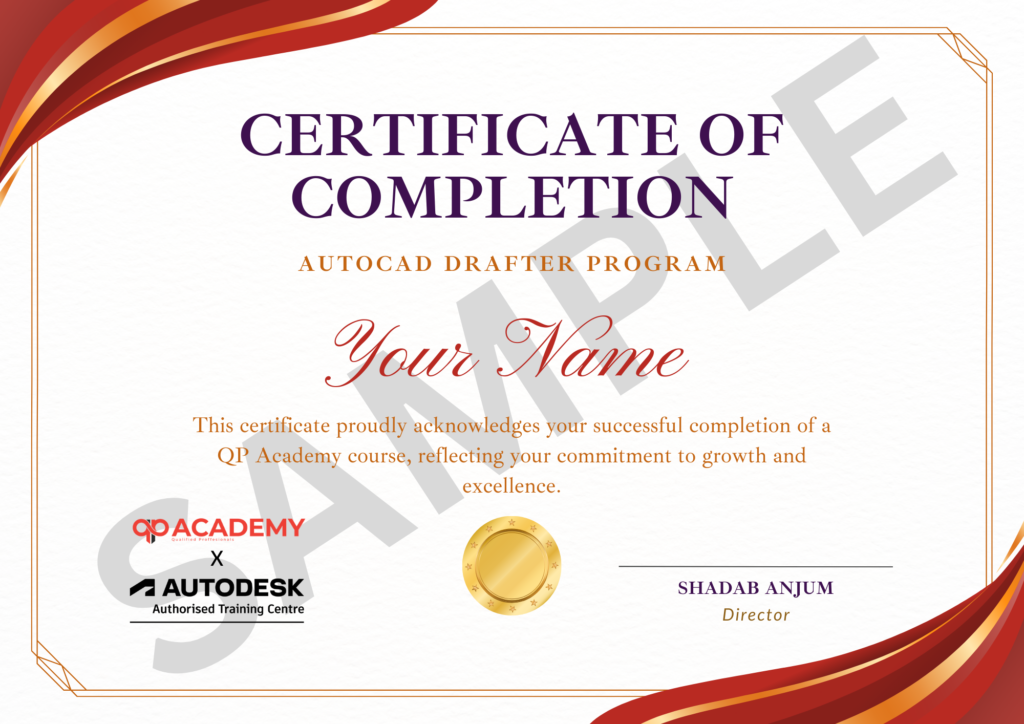
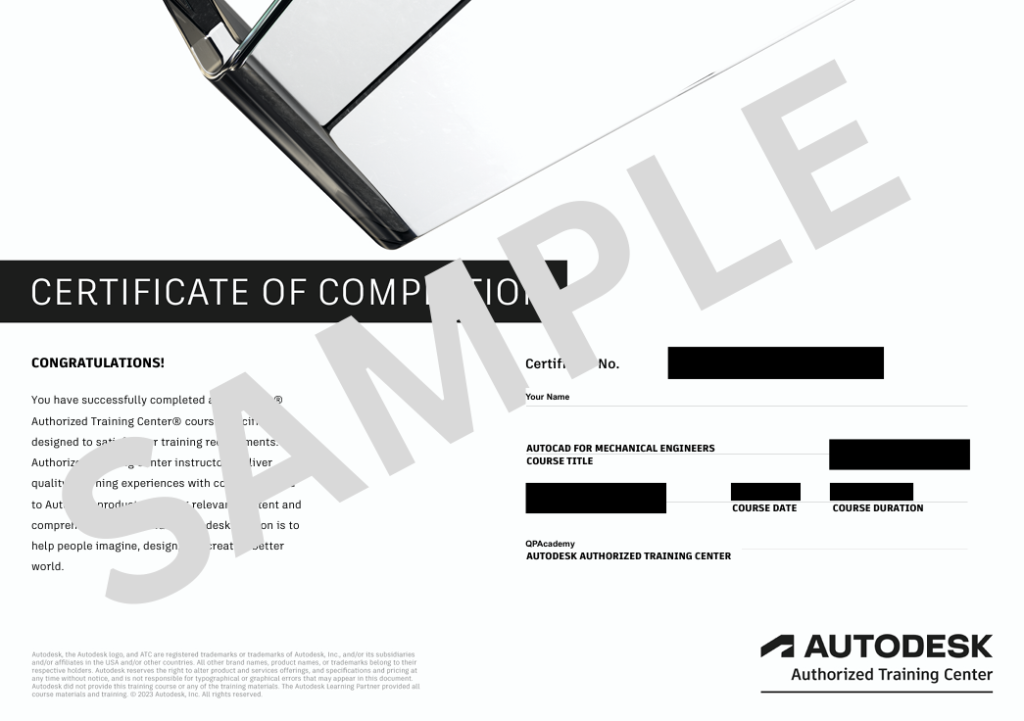
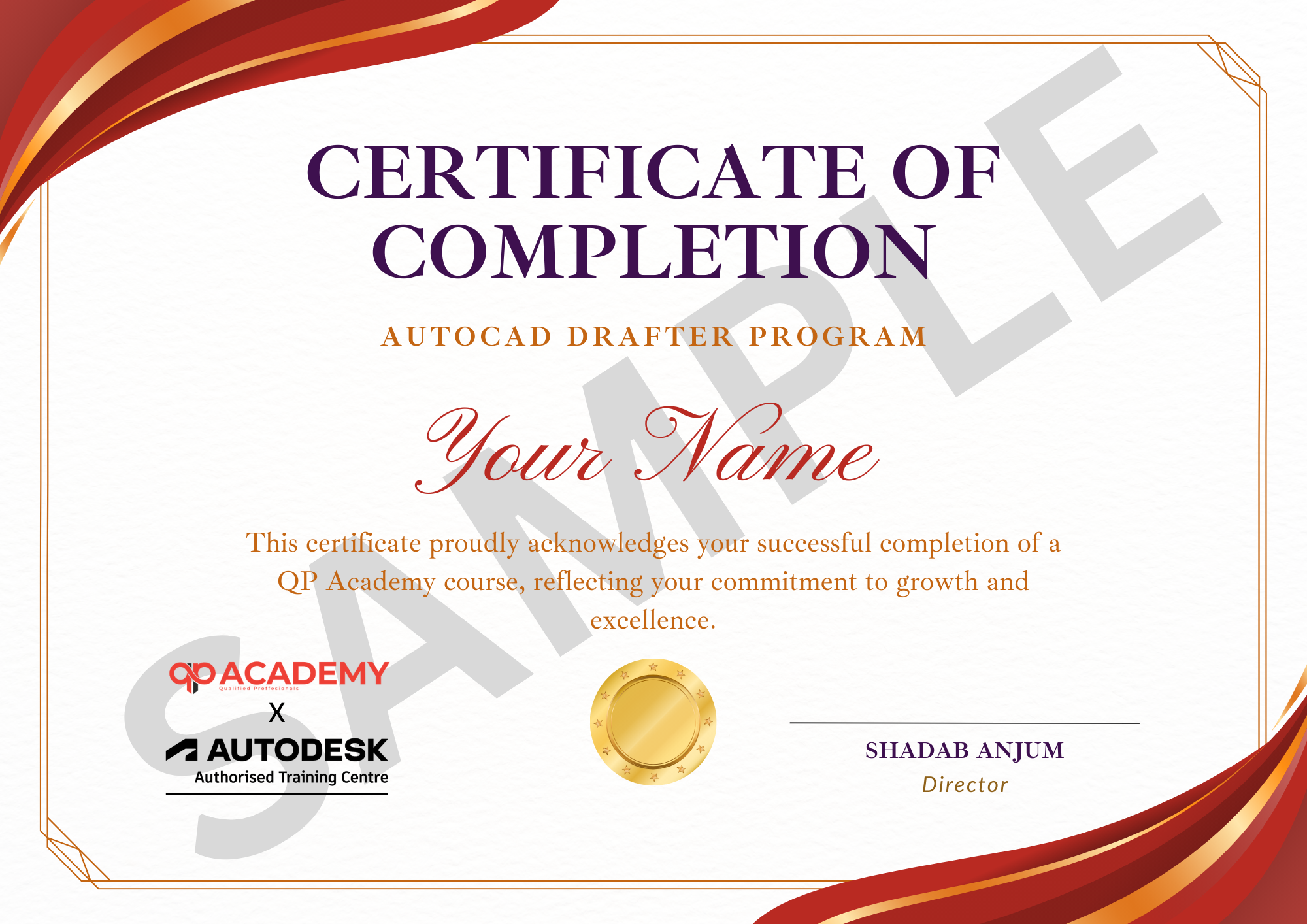
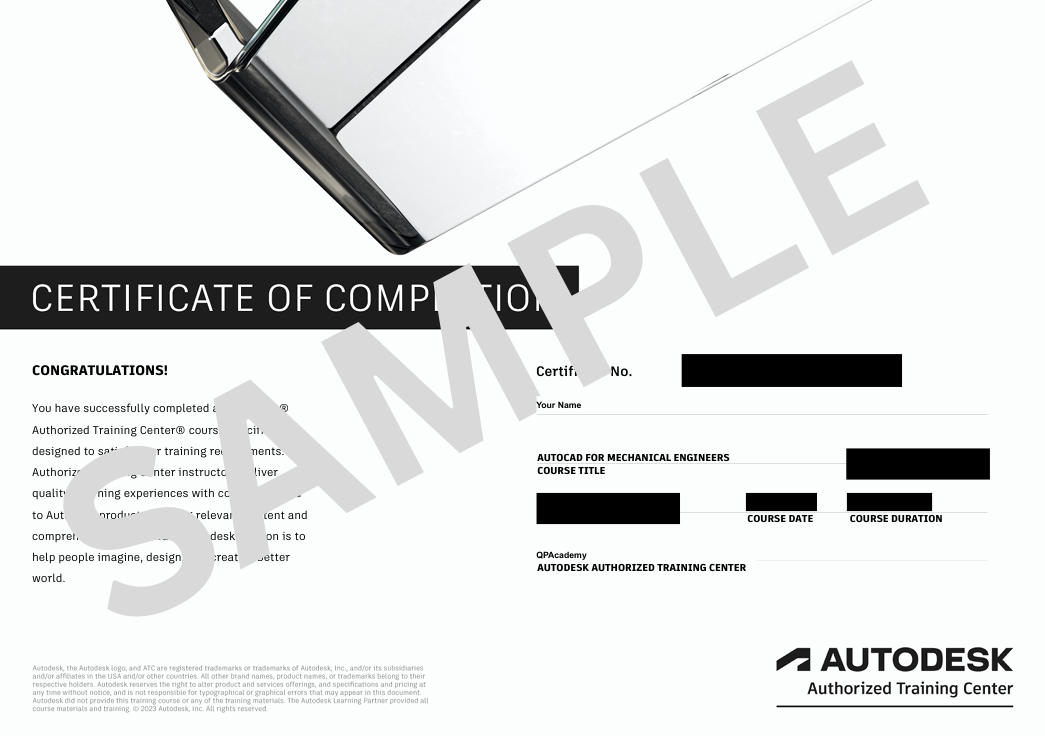
- Certificate of Completion from QP Academy
- Portfolio-ready drafting projects to showcase skills
- Preparation for Autodesk AutoCAD Certification Exam
🏆 Job Support + Email + Discussion Forum
100% Job Support – End-to-end guidance to help you land a job, from interview prep to career advice.
Email Assistance – Quick, personalized help right in your inbox whenever you need clarity.
Discussion Forum – A dedicated space to ask questions, share knowledge, and learn from peers & experts.


We’re an Official Autodesk Training Partner!
We’re proud to join hands with Autodesk as an Authorized Learning Partner. Get ready for certified courses, hands-on training, and resources backed by industry leaders. Whether you're a student, professional, or enthusiast—your journey to mastering Autodesk tools starts here.
FAQ’SFrequently Asked
Frequently Asked
Questions.
Do I need prior Revit experience to join this course?
No. This program is beginner-friendly and starts from the basics before moving into advanced architectural modeling and documentation.
Will I learn complete architectural modeling in Revit?
Yes. You will learn walls, floors, roofs, ceilings, openings, stairs, railings, rooms, and detailed architectural components used in real projects.
Does the course include project-based learning?
Absolutely. You will work on a complete architectural project from modeling to documentation, sheets, and rendering.
Will I learn how to prepare construction drawings?
Yes. The course covers sheets, annotations, schedules, quantities, and documentation workflows used in the AEC industry.
Is this course suitable for interior designers?
Yes. Interior designers can learn accurate modeling, detailing, and layout documentation using BIM workflows.
Will I learn rendering and visualization?
Yes. You will create realistic renders, walkthroughs, lighting studies, and presentation-ready visuals.
Do I receive a certificate after completing the course?
Yes. All students receive a QP Academy Certificate of Completion after passing the final project assessment.
What job roles can I apply for after completing this course?
You can apply for roles such as Architectural BIM Modeler, Revit Technician, Architectural Designer, BIM Coordinator (Architecture), and Visualization Specialist.
Do you provide software or help with installation?
Yes. We help you access Autodesk’s official student/education license, which is free and valid for practice.
Can I take this course while studying or working?
Yes. The live sessions are flexible, beginner-friendly, and supported with continuous help so working professionals and students can easily manage.
Other


