

No products in the cart.
Education
BIM 360 Docs Login & Complete Guide 2026 | Autodesk BIM 360 Document Management in India – QP Academy
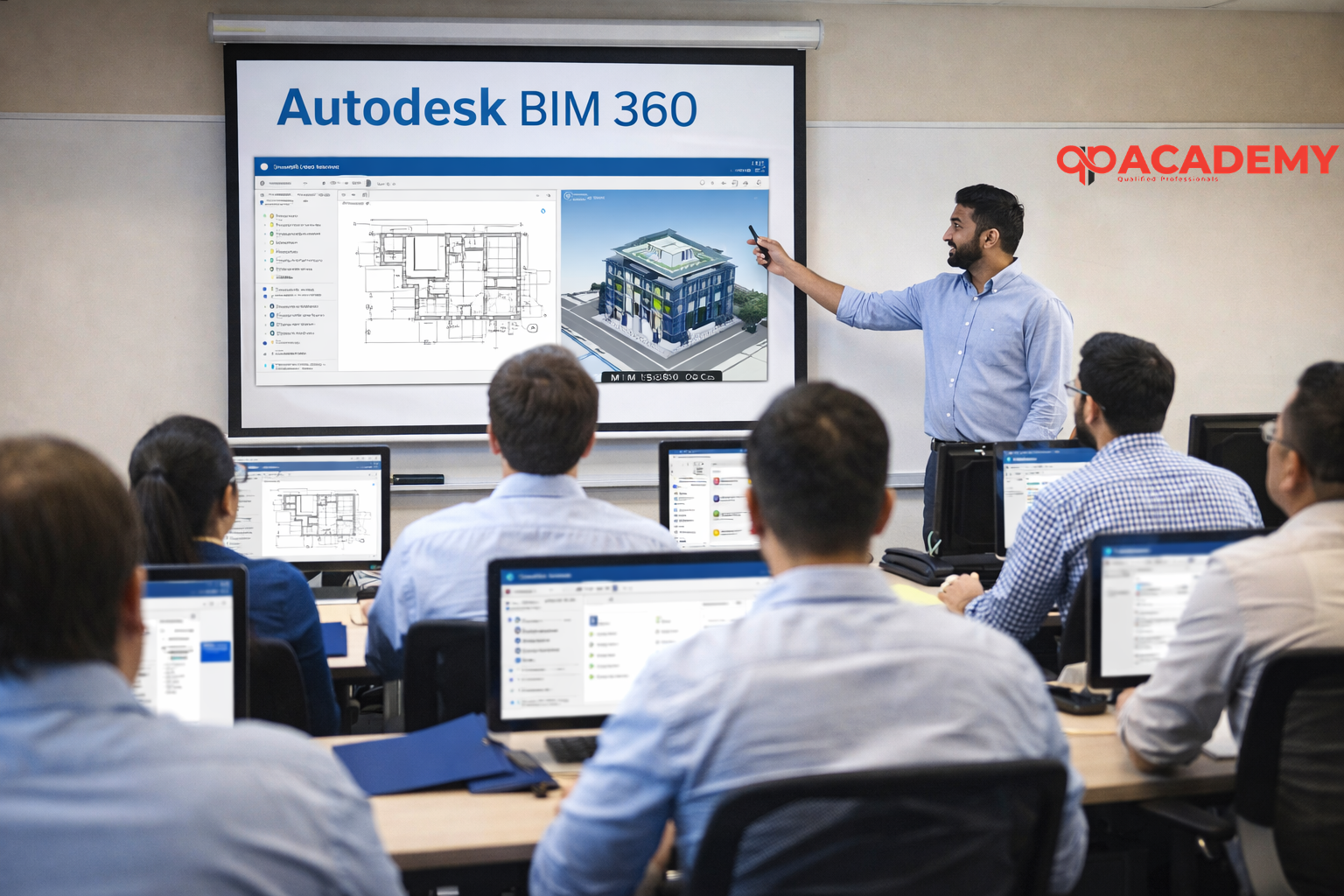
Introduction to BIM 360
Autodesk BIM 360 is a cloud-based collaboration and document management platform created for the Architecture, Engineering, and Construction (AEC) industry. It helps project teams manage drawings, models, and construction data in a centralized environment while enabling real-time collaboration.
With the 2026 Autodesk updates, BIM 360’s major functionalities are now part of Autodesk Construction Cloud (ACC). Even today, professionals commonly search for BIM 360 Docs login making it an important term for learning and daily project use.
In India, especially in Delhi-NCR, BIM 360 is widely adopted for infrastructure projects, commercial buildings, metros, and large residential developments due to its ability to reduce errors, save time, and improve coordination.
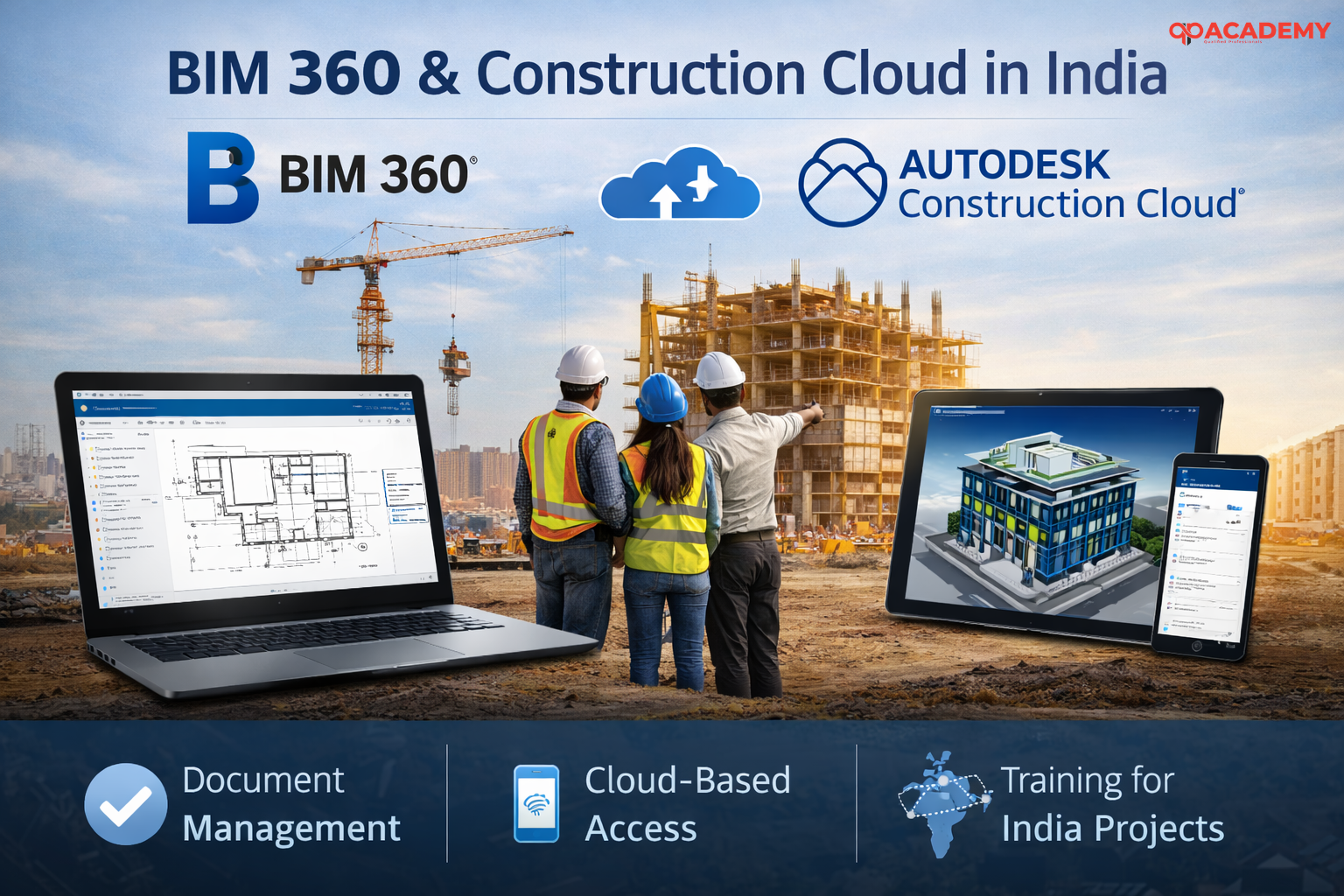
What is BIM 360 and How It Has Evolved
BIM 360 was originally introduced by Autodesk as a cloud platform to connect people, project data, and workflows. It allowed teams to collaborate efficiently by providing real-time access to drawings, models, and documents.
As BIM workflows matured, Autodesk unified BIM 360 under Autodesk Construction Cloud, making the platform more powerful and integrated. BIM 360 Docs is now known as Autodesk Docs, which functions as a secure Common Data Environment (CDE) where all project information is stored and managed.
This evolution ensures that all stakeholders work on the latest information, helping reduce rework and improving overall project quality.
BIM 360 Docs – Centralized Document Management
BIM 360 Docs (Autodesk Docs) acts as the backbone of document management in Autodesk Construction Cloud. It enables teams to store, review, and share all types of project files within a single cloud-based system.
The platform supports drawings, BIM models, PDFs, RFIs, contracts, images, and videos. Files can be viewed directly online without downloading, which helps prevent version confusion. Automatic version tracking, markup tools, and approval workflows make collaboration smooth and efficient, even for projects involving multiple consultants and contractors.
For large projects in Delhi and other major Indian cities, BIM 360 Docs ensures document accuracy and accountability at every stage.
Key Features of BIM 360 Docs (2026)
Some features are best understood in points:
- Centralized cloud storage for all project documents
- Automatic version control with file comparison
- Online markups and comment-based reviews
- Role-based permissions for secure access
- Integration with Revit, AutoCAD, and Navisworks
- Mobile and offline access through ACC app
BIM 360 Login – How to Access Your Project
Logging into BIM 360 or Autodesk Construction Cloud is straightforward. Users can access the platform using their Autodesk ID through the official Autodesk Construction Cloud website. After logging in, they can select their project and open the Docs module to access documents, models, and issues.
The same login works on desktop and mobile devices, allowing teams to stay connected from office or construction sites. For better security, two-factor authentication is recommended, especially for enterprise projects.
Autodesk Construction Cloud Modules Explained
Autodesk Construction Cloud includes multiple interconnected modules that work together throughout the project lifecycle:
- Autodesk Docs for document management
- BIM Collaborate Pro for design coordination and Revit collaboration
- Autodesk Build for site execution and field management
- Model Coordination for clash detection
These modules ensure smooth data flow from design to construction.
Why BIM 360 Is Important for the Indian Construction Industry
India’s construction industry is rapidly adopting BIM due to government initiatives, smart city projects, and increasing project complexity. BIM 360 supports this transformation by improving coordination, reducing RFIs, and minimizing delays.
In fast-growing regions like Delhi-NCR, BIM 360 helps project teams handle complex workflows efficiently, making it a preferred solution for modern construction projects.
BIM 360 Training and Career Scope in India
With the increasing demand for BIM professionals, knowledge of BIM 360 and Autodesk Construction Cloud has become a valuable skill. Employers prefer professionals who understand real project workflows and document management systems.
QP Academy, a leading BIM training institute in Delhi/India, provides hands-on BIM 360 training on live projects. With trainers having over 10 years of industry experience, students gain practical exposure that helps them perform confidently in real job environments.
FAQs – Autodesk BIM 360 & Docs
Q. What is BIM 360 used for?
A. BIM 360 is used for document management, collaboration, and project coordination in construction projects.
Q. Is BIM 360 and Autodesk Construction Cloud the same?
A. BIM 360 is now integrated into Autodesk Construction Cloud with enhanced features.
Q. How do I login to BIM 360 Docs?
A. You can login using your Autodesk ID via Autodesk Construction Cloud and access the Docs module.
Q. Is BIM 360 free to use?
A. BIM 360 is a paid product, though Autodesk may offer trial access.