

No products in the cart.
MicroStation V8i Professional Training Program – Industry Ready CAD Skills
₹15,000.00
- Mode of Learning: Live Instructor-Led Sessions
- Duration: ~5–6 weeks (Approx. 50 Hours of Professional CAD Training + Final Project Submission)
- Skill Level: Beginner to Intermediate (focused on 2D Drafting, 3D Modeling, Sheet Composition & CAD Standards)
- Language: English (Hands-on practice + continuous instructor support)
- Certification: QP Academy Certified MicroStation Professional / Guidance for Infrastructure & CAD Industry Roles
SKU: Autodesk Construction Cloud (ACC) & Revit Collaboration program-1-1-1-1-1-1-1-1-1-1
Certificate Program
The MicroStation V8i Professional Training Program by QP Academy is designed to help students and professionals master industry grade CAD skills used in civil, structural, and infrastructure projects.
This program covers essential concepts such as 2D drafting, file management, annotation, sheet composition, and visualization. Learners will start by exploring the MicroStation interface, workspace setup, AccuDraw and AccuSnap fundamentals and core design tools gradually advancing to 3D modeling, surfaces, patterns, rendering, and template customization.
The curriculum also includes advanced modules such as level management, reference files, seed file standards civil workflows, and interoperability with AutoCAD. Using real project exercises participants will create professional drawings, plan sheets, title blocks, bridge models, utilities, and structural layouts.
The course emphasizes best practices QA/QC automation and BIM integration preparing learners for roles in EPC companies engineering consultancies and infrastructure organizations.

| Why Choose Our Program? | |
|---|---|
| Step-by-Step Learning | From beginner basics to advanced drafting workflows |
| Real Projects | Work on floor plans, construction documents, and detailed layouts |
| Instructor-Led Expertise | Learn from certified professionals with real-world CAD experience |
| Industry Standard Training | Gain skills that align with global architectural and engineering practices |
| Certification Ready | Prepare for Autodesk certification exams for added credibility |
| Career Advantage | Build a strong portfolio and stand out in job applications |
| Flexible & Accessible | Learn online at your own pace with practical assignments |
📐 Career Opportunities
Roles you can pursue:
- MicroStation CAD Designer
- Civil Draftsman / CAD Technician
- Infrastructure Design Specialist
- Bridge & Highway Design Modeler
- Utilities & Piping Drafting Engineer
- 2D/3D CAD Production Engineer
- BIM-ready CAD Designer
Industry Demand:
- Transportation & Highway Engineering Firms
- Infrastructure & Rail Metro Projects
- Government & EPC Contractors
- Civil & Structural Design Consultancies
- CAD Outsourcing & Global Engineering Companies
What Will You Learn?
Find out what skills you'll gain — and who this course is designed for.
Whether you're a student, engineer, or design enthusiast, this section gives you a clear look at what you’ll learn and if this course fits your goals. No jargon, no guesswork — just real skills for real careers.
Module 1: MicroStation Fundamentals
Workspace setup, interface navigation & tool organization
AccuDraw and AccuSnap for precision drafting
Understanding DGN files, seed files & project structure
Module 2: 2D Drafting & Editing Tools
Lines, arcs, polygons, trimming & modifying elements
Dimensioning, annotations & text formatting
Patterning, hatching & CAD standards for drawings
Module 3: Level & Reference Management
Level organization, visibility control & symbology
Attaching & clipping reference drawings
Display rules, templates & annotation scales
Module 4: 3D Modeling & Visualization
Creating solids, extrusions, surfaces & structural forms
Material assignment, lighting & rendering basics
Camera views, walkthroughs & presentation visuals
Module 5: Civil & Infrastructure Workflows
Plan, profile & section drawings for civil projects
Bridge, highway & utilities modeling fundamentals
Sheet creation, title blocks, plotting & deliverables
Who Should Enroll?
Discover if this course is the right fit for you. Whether you’re a beginner looking to build strong foundations or a professional aiming to sharpen your expertise, this program is designed to match your goals and career path.
👩🎓 Who Should Enroll?
Civil, Structural, and Transportation Engineering Students who want to learn professional CAD drafting and 3D modeling for real infrastructure projects.
CAD Designers, Draftsmen, and BIM Technicians looking to upgrade their MicroStation skills, templates, sheet creation, and industry standards.
Highway, Metro, Rail, and Infrastructure Professionals who want to transition from basic 2D drawings to advanced civil workflows and project documentation.
Architects and Construction Managers who need accurate CAD deliverables, project coordination, and interoperability with AutoCAD or BIM tools.
Professionals shifting from AutoCAD or other CAD platforms seeking a structured, industry-oriented path to MicroStation V8i proficiency.
What will you achieve?
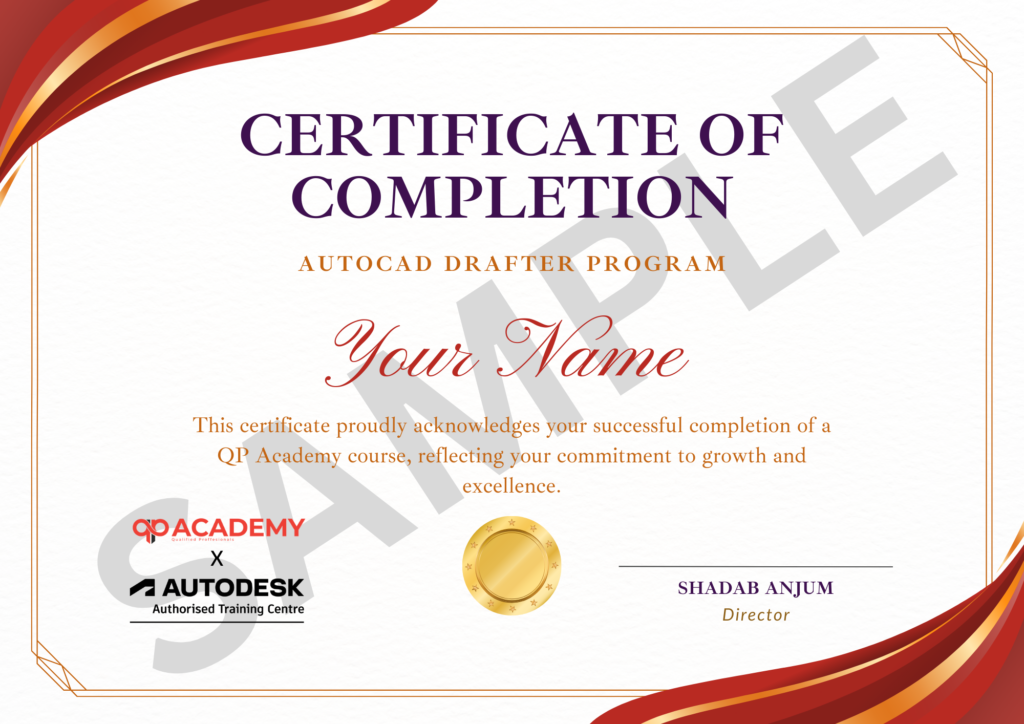
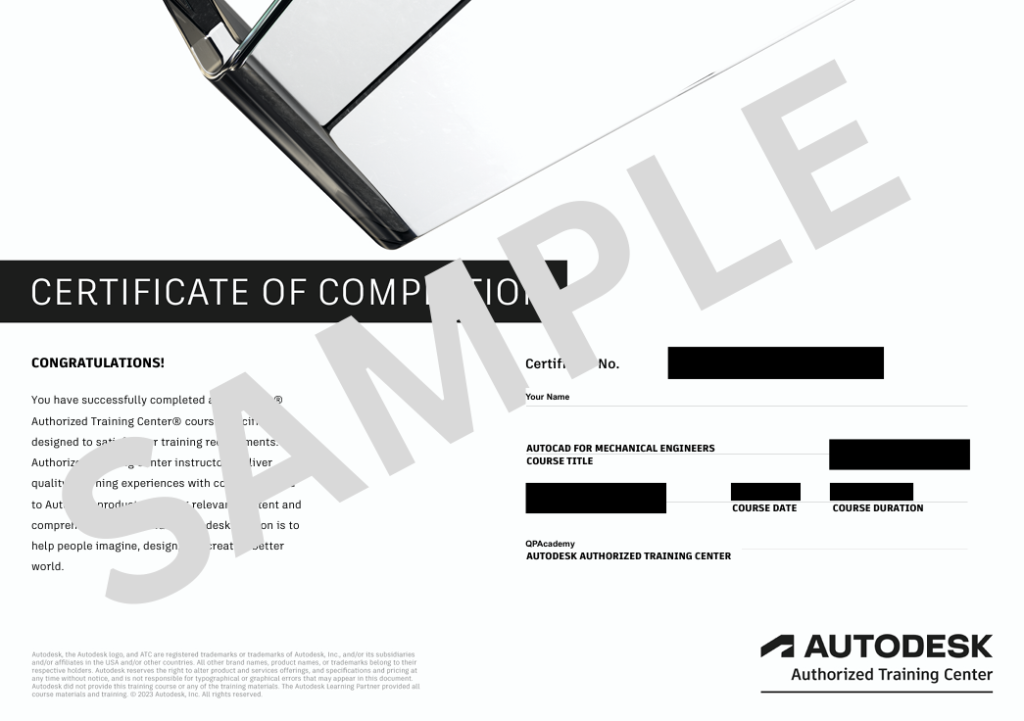
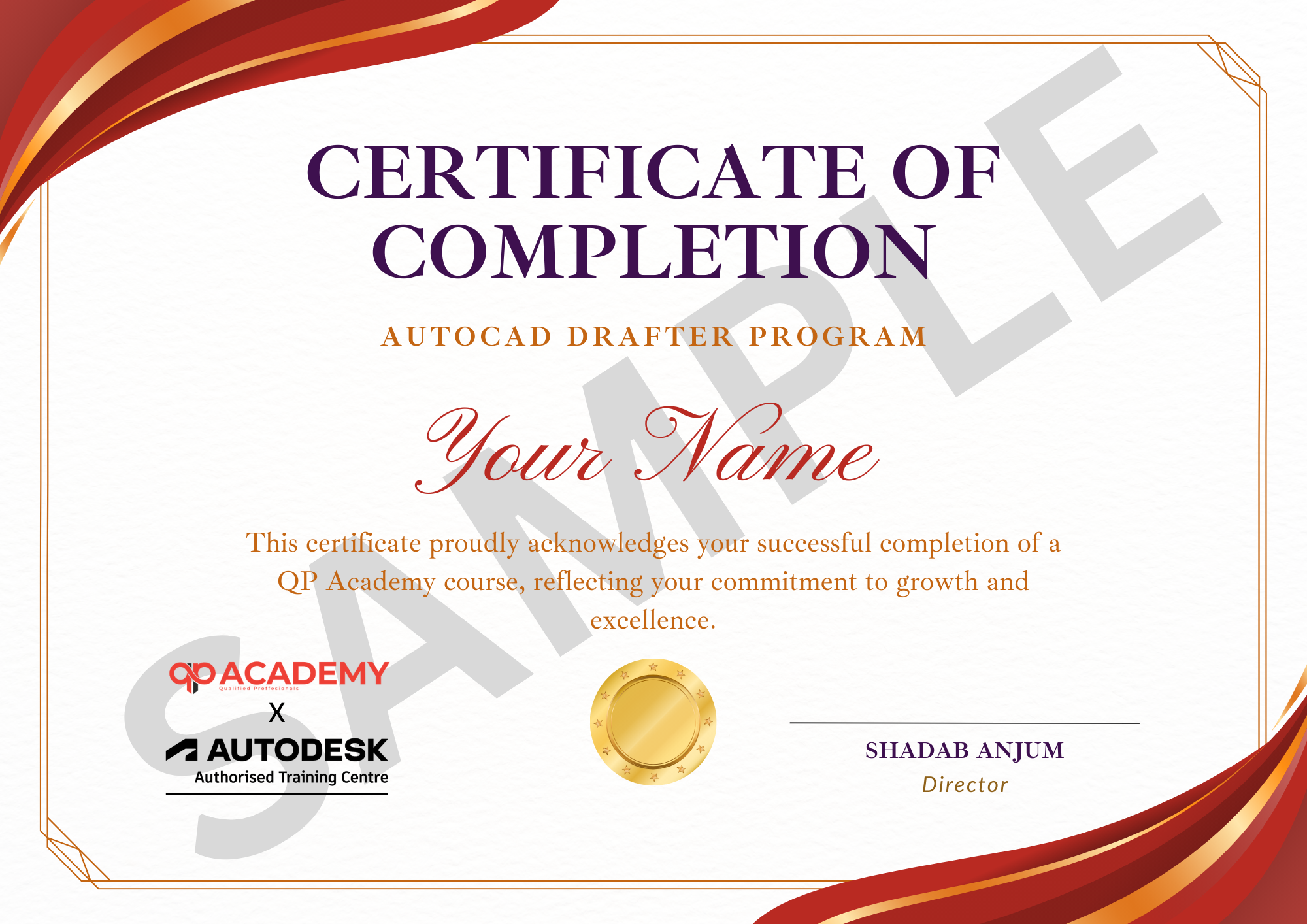
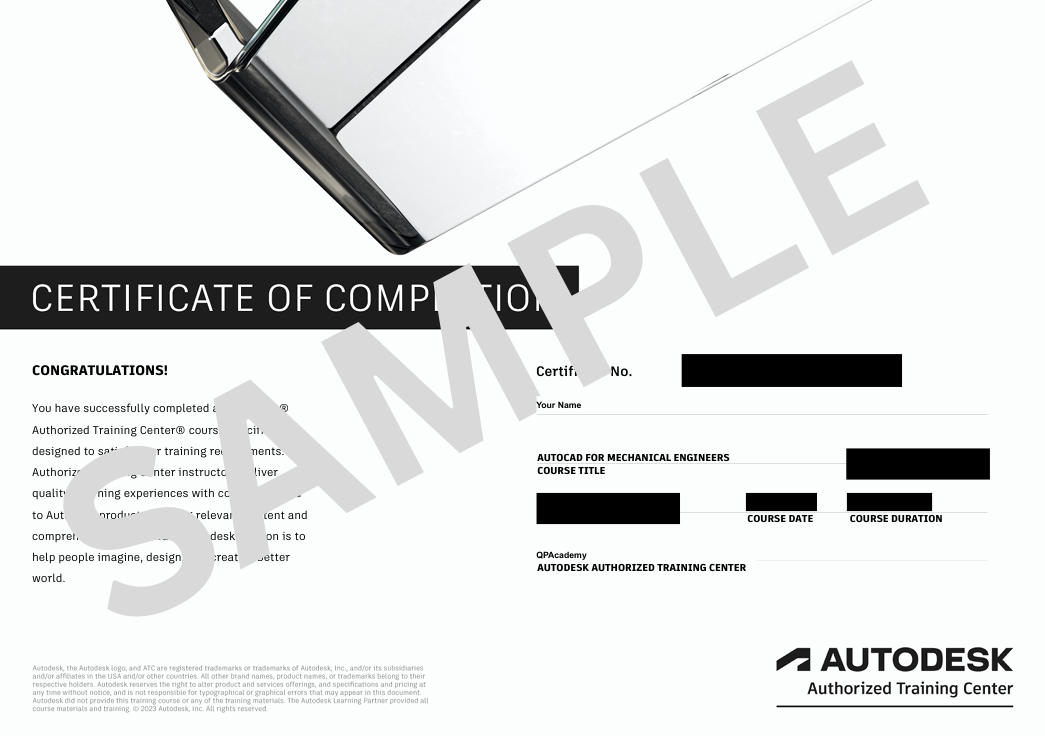
Showcase your achievement with an industry-recognized certificate. A symbol of your dedication and newly acquired skills, it’s proof you’re ready to apply your knowledge in real-world projects and career opportunities.
🏆 Certification & Recognition
- Certificate of Completion from QP Academy
- Portfolio-ready drafting projects to showcase skills
- Preparation for Autodesk AutoCAD Certification Exam
🏆 Job Support + Email + Discussion Forum
100% Job Support – End-to-end guidance to help you land a job, from interview prep to career advice.
Email Assistance – Quick, personalized help right in your inbox whenever you need clarity.
Discussion Forum – A dedicated space to ask questions, share knowledge, and learn from peers & experts.


We’re an Official Autodesk Training Partner!
We’re proud to join hands with Autodesk as an Authorized Learning Partner. Get ready for certified courses, hands-on training, and resources backed by industry leaders. Whether you're a student, professional, or enthusiast—your journey to mastering Autodesk tools starts here.
FAQ’SFrequently Asked
Frequently Asked
Questions.
What is MicroStation V8i?
MicroStation V8i is Bentley’s industry-leading CAD platform used for civil, infrastructure, and architectural design, drafting, and 3D modeling.
Do I need prior experience to join this course?
No. The course starts from fundamentals and gradually builds into advanced tools, 3D modeling, and real project workflows.
Is this course suitable for beginners?
Yes. Engineering students, freshers, and CAD professionals can easily follow the step-by-step learning approach.
Which industries use MicroStation?
MicroStation is widely used in transportation, highways, rail metro, infrastructure EPC projects, and government engineering departments.
Will I learn both 2D and 3D?
Yes. You will learn 2D drafting, editing tools, sheet composition, and 3D modeling including solids, surfaces, and visualization.
How long is the training duration?
The program is approximately 50 hours including practical sessions and a final project.
Is interoperability with AutoCAD covered?
Yes. You will learn how to import/export DWG files and manage CAD data between platforms.
Do I get certification after completion?
Yes. You will receive a QP Academy Certified MicroStation Professional certificate after completing the course and project.
Will I work on real project tasks?
Yes. The curriculum includes real-world exercises such as civil drawings, bridge components, sheet layouts, and infrastructure deliverables.
What job roles can I pursue after this course?
You can work as a MicroStation CAD Designer, Civil Draftsman, CAD Technician, Infrastructure Modeler, or BIM-ready CAD Designer.
Other


