

₹15,000.00
QP Academy’s Lumion 3D Architectural Visualization & Real-Time Rendering Professional boot-camp is a live, instructor-led programme that transforms architects, interior designers and BIM modelers into photoreal storytellers. Inside QP Academy’s virtual studio you will import Revit, SketchUp or Rhino models, sculpt landscapes, apply PBR materials, craft day-to-night lighting, and render 4 K stills plus cinematic animations all in real time.
The curriculum culminates with a QP Academy-certified capstone project that showcases Lumion skills recruiters actively search for: visualization artist, BIM presentation specialist, architectural renderer, walkthrough animator and real-time visualization expert perfect for anyone googling Lumion courses, rendering classes, real-time viz training or architectural animation near me.

| Why Choose Our Program? | |
|---|---|
| Step-by-Step Learning | From beginner basics to advanced drafting workflows |
| Real Projects | Work on floor plans, construction documents, and detailed layouts |
| Instructor-Led Expertise | Learn from certified professionals with real-world CAD experience |
| Industry Standard Training | Gain skills that align with global architectural and engineering practices |
| Certification Ready | Prepare for Autodesk certification exams for added credibility |
| Career Advantage | Build a strong portfolio and stand out in job applications |
| Flexible & Accessible | Learn online at your own pace with practical assignments |
Roles you can pursue:
Industry Demand:
Find out what skills you'll gain — and who this course is designed for.
Whether you're a student, engineer, or design enthusiast, this section gives you a clear look at what you’ll learn and if this course fits your goals. No jargon, no guesswork — just real skills for real careers.
Model 1: Import & Prepare Models
Model 2: Craft Realistic Environments
Model 3: Master Materials & Lighting
Model 4: Render Still Images & Animations
Model 5: Deliver Client-Ready Presentations
Discover if this course is the right fit for you. Whether you’re a beginner looking to build strong foundations or a professional aiming to sharpen your expertise, this program is designed to match your goals and career path.
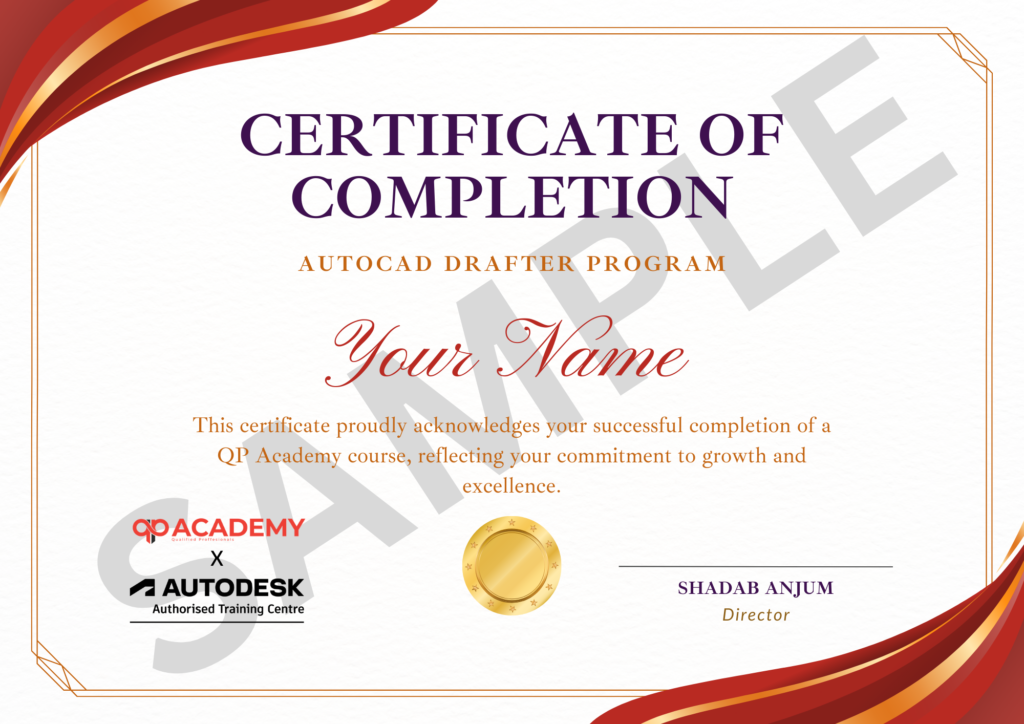
Showcase your achievement with an industry-recognized certificate. A symbol of your dedication and newly acquired skills, it’s proof you’re ready to apply your knowledge in real-world projects and career opportunities.
100% Job Support – End-to-end guidance to help you land a job, from interview prep to career advice.
Email Assistance – Quick, personalized help right in your inbox whenever you need clarity.
Discussion Forum – A dedicated space to ask questions, share knowledge, and learn from peers & experts.


We’re proud to join hands with Autodesk as an Authorized Learning Partner. Get ready for certified courses, hands-on training, and resources backed by industry leaders. Whether you're a student, professional, or enthusiast—your journey to mastering Autodesk tools starts here.
Revit (.rvt), SketchUp (.skp), Rhino (.3dm), ArchiCAD, IFC and common OBJ/FBX – all covered in Module 1 import lab.
Yes. Module 2 dedicates 7 hours to sculpting terrain, adding trees, people, cars and contextual site environments.
Module 3 material editor walks through PBR settings, bump/reflect/displacement maps and ready-made presets for glass, water and brushed metal.
Yes. Module 5 animation lab trains you to output 360° panoramas and stereoscopic VR videos viewable on Oculus / smartphone VR.
Yes. Module 5 covers key-frame camera paths, depth-of-field, bloom and lens-flare for cinematic fly-through
Yes. Module 6 teaches one-click live-link so Lumion updates instantly when the Revit model changes—no re-import required.
A client-ready package: 4 K stills, 30-second fly-through, 360° panorama and a short presentation document – all graded for the QP Academy certificate.
Yes. QP Academy shares your capstone visuals with 150+ architectural studios and visualization firms, and guides you on portfolio and interview prep.
WhatsApp us


