

₹15,000.00
The Autodesk Construction Cloud (ACC) & Revit Collaboration Professional Course by QP Academy is designed to help learners confidently manage BIM projects in a fully connected cloud environment. In this course, you’ll learn how to use Autodesk Docs, BIM Collaborate, and Revit Cloud Work sharing to simplify multi discipline workflows, coordinate models, track issues, and share data smoothly across project teams.
Through easy to understand, hands-on sessions, QP Academy guides you step-by-step on how to set up cloud projects, manage user permissions, sync Revit models, run clash checks, maintain version control, and deliver well-coordinated BIM packages following modern CDE and ISO 19650 standards.
This course is perfect for students and professionals who want to master cloud-based BIM collaboration and improve project delivery efficiency across the architecture, engineering, and construction industries.

| Why Choose Our Program? | |
|---|---|
| Step-by-Step Learning | From beginner basics to advanced drafting workflows |
| Real Projects | Work on floor plans, construction documents, and detailed layouts |
| Instructor-Led Expertise | Learn from certified professionals with real-world CAD experience |
| Industry Standard Training | Gain skills that align with global architectural and engineering practices |
| Certification Ready | Prepare for Autodesk certification exams for added credibility |
| Career Advantage | Build a strong portfolio and stand out in job applications |
| Flexible & Accessible | Learn online at your own pace with practical assignments |
Roles you can pursue:
Industry Demand:
Find out what skills you'll gain — and who this course is designed for.
Whether you're a student, engineer, or design enthusiast, this section gives you a clear look at what you’ll learn and if this course fits your goals. No jargon, no guesswork — just real skills for real careers.
Module 1 — ACC Fundamentals & Project Setup
Introduction to the ACC ecosystem: Docs, BIM Collaborate, Build
Project creation, roles, permissions & user management
Folder structures, naming conventions and CDE principles
Interface walkthrough: navigation, project settings, and dashboards
Setting up templates, issue types, and basic reporting
Module 2 — Revit Cloud Worksharing & Collaboration
Central model vs. cloud worksharing concepts
Setting up and connecting Revit models to ACC/BIM Collaborate
Synchronization, cloud publishing and worksharing best practices
Managing worksets, user access and change tracking
Using Revit Personal Accelerator (PAR) and performance tips
Module 3 — Model Linking, Packages & Version Control
Linking multi-discipline models in the cloud environment
Creating, publishing and consuming coordination packages
File version history, rollbacks and change comparisons
Model aggregation and producing federated views for review
Best practices for model storage, naming and retrieval
Module 4 — Coordination, Clash Detection & Issue Management
Setting up coordination spaces and clash detection workflows
Running clash tests, grouping clashes and prioritization
Creating, assigning and tracking issues from model to resolution
Using markups, comments and attachable evidence (screenshots/files)
Generating coordination reports and audit trails
Module 5 — Data Exchange & Interoperability
Exporting and importing data between Revit, Navisworks and ACC
Using IFC, DWG and other exchange formats effectively
Integrating schedules, BOQs and external data sources (Excel, CSV)
Maintaining data integrity across platforms and versions
Collaboration with external consultants and contractors
Module 6 — Project Delivery, QA/QC & Best Practices
Common Data Environment (CDE) workflows aligned to ISO 19650
Folder standards, transmittals, approvals and handover deliverables
Model QA/QC checklists, templates and review cycles
Governance: permissions, access audits and change control
Final project: execute a cloud-based coordination case study from setup to handover
Discover if this course is the right fit for you. Whether you’re a beginner looking to build strong foundations or a professional aiming to sharpen your expertise, this program is designed to match your goals and career path.
This course is perfect for:
BIM Coordinators & Modelers: Learn how to manage cloud-hosted models, resolve clashes, and streamline coordination workflows across disciplines.
Architects, Engineers & Design Professionals: Master ACC tools to collaborate effectively, publish models, and maintain version control in multi-discipline projects.
Revit Users (All Levels): Whether beginner or experienced, gain confidence in cloud worksharing, package management, and collaboration best practices.
Project Managers & Construction Professionals: Understand model tracking, issue management, and CDE workflows to improve project delivery and team communication.
Document Controllers & CDE Administrators: Build expertise in folder structuring, permissions, approvals, and document governance aligned with ISO 19650 standards.
Freelancers & BIM Consultants: Offer ACC setup, coordination management, cloud collaboration support, and BIM project delivery services to global clients.
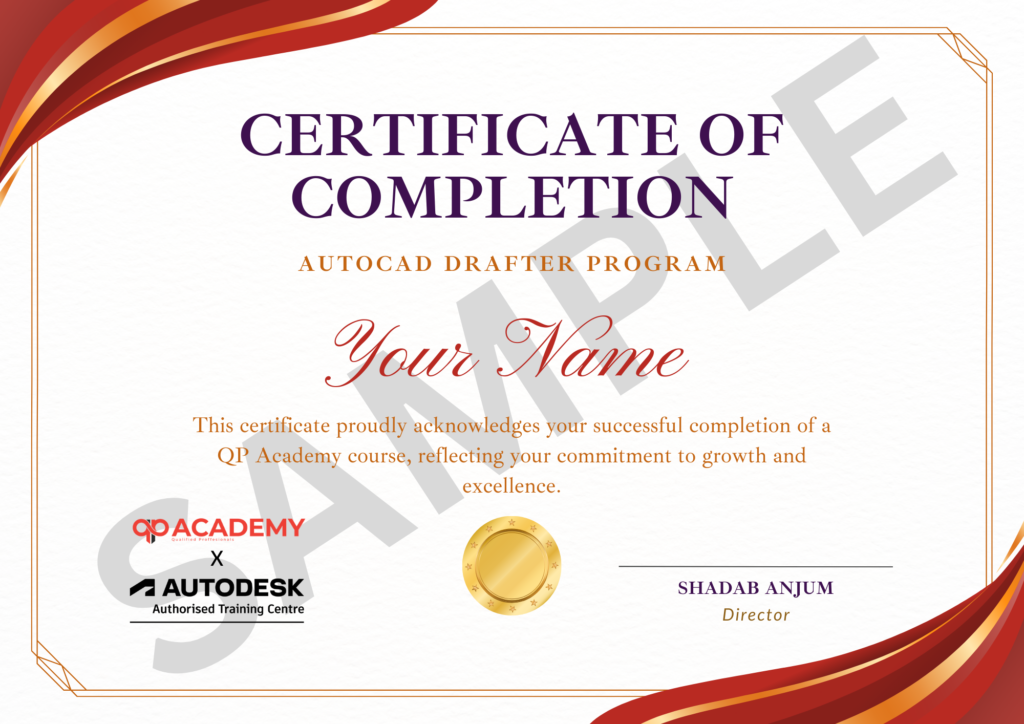
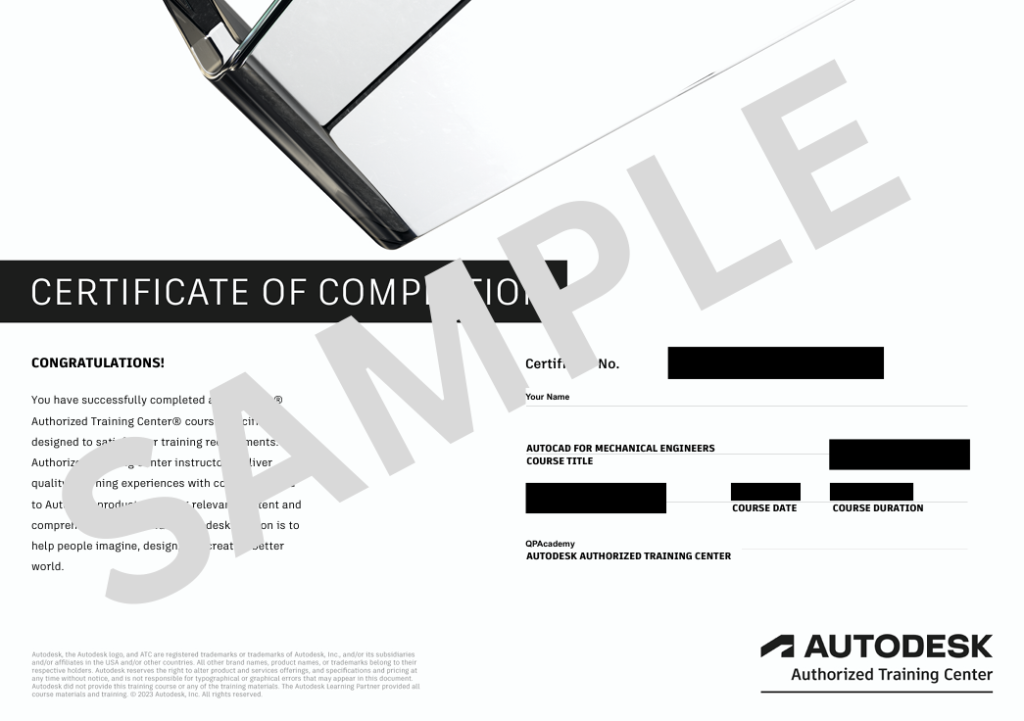
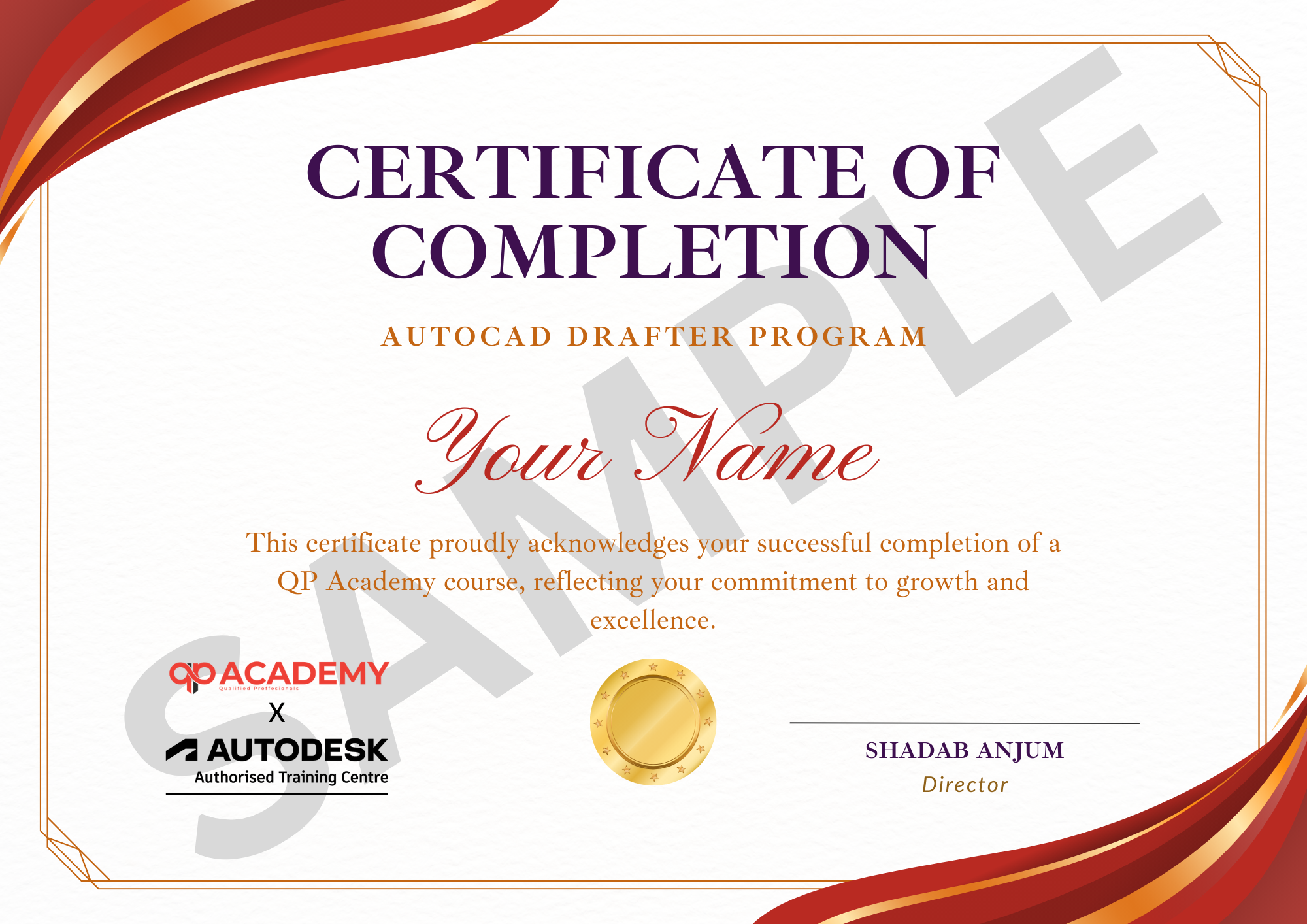
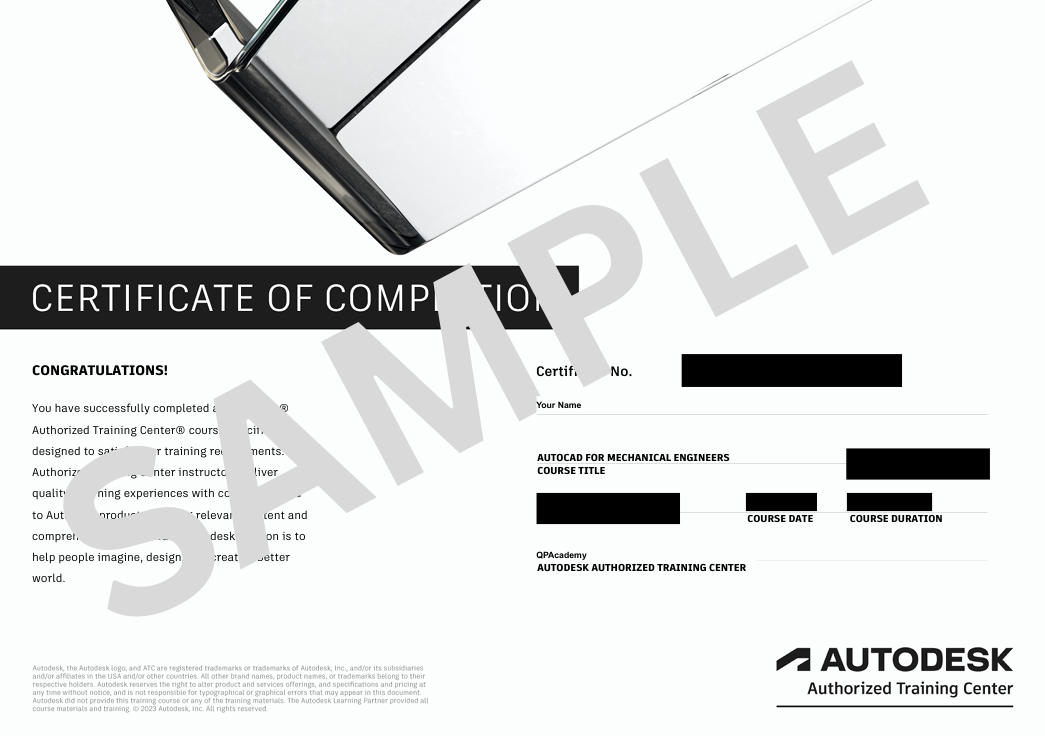
Showcase your achievement with an industry-recognized certificate. A symbol of your dedication and newly acquired skills, it’s proof you’re ready to apply your knowledge in real-world projects and career opportunities.
100% Job Support – End-to-end guidance to help you land a job, from interview prep to career advice.
Email Assistance – Quick, personalized help right in your inbox whenever you need clarity.
Discussion Forum – A dedicated space to ask questions, share knowledge, and learn from peers & experts.


We’re proud to join hands with Autodesk as an Authorized Learning Partner. Get ready for certified courses, hands-on training, and resources backed by industry leaders. Whether you're a student, professional, or enthusiast—your journey to mastering Autodesk tools starts here.
ACC is Autodesk’s cloud platform that connects Docs, BIM Collaborate, Build, and other tools to manage BIM data, coordination, and project workflows in one environment.
Basic Revit knowledge is helpful, but not mandatory. The course teaches Revit cloud worksharing from the ground up.
Yes. You’ll perform clash checks using BIM Collaborate, assign issues, track resolutions, and generate coordination reports.
Yes. Even if you're new to cloud collaboration, the course guides you step-by-step through ACC and Revit coordination workflows.
Yes. You will receive a Certificate of Completion + guidance to prepare for Autodesk Certified Professional (ACP) exams.
You will learn cloud worksharing, model linking, version control, issue management, clash detection, CDE workflows, and project coordination best practices.
Yes. We help you set up Autodesk Education or trial access so you can practice cloud collaboration legally.
Definitely. You can pursue roles like BIM Coordinator, ACC Administrator, Revit Collaboration Specialist, Model Checker, and Document Controller (CDE).
Yes. You will complete a full cloud-based BIM collaboration project, including setup, coordination, and issue tracking.
A system with 8–16GB RAM, a decent processor, and stable internet is enough. Since most processing happens in the cloud, heavy hardware isn’t required.
WhatsApp us


